As of: 19 June 2026 · Reading time: 4 min
Key takeaways
- The decision to replace a old software is an inevitable step in the digital transformation for many companies.
- Outdated systems, often referred to as legacy systems...
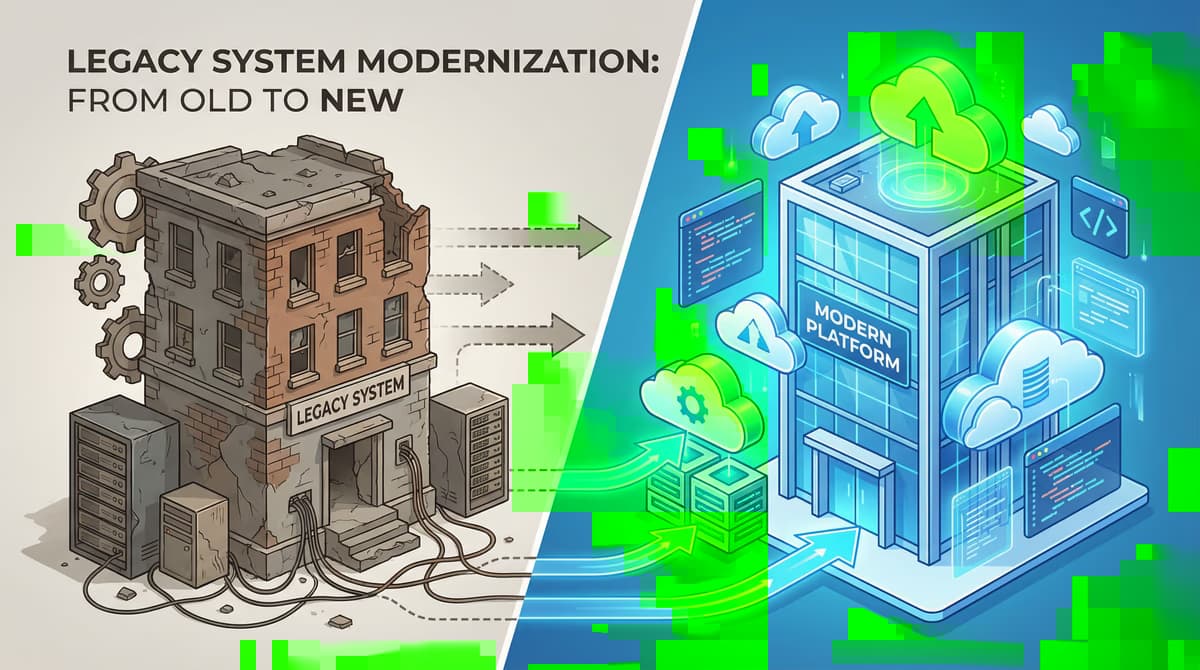
The decision to replace a old software is an inevitable step in the digital transformation for many companies. Outdated systems, often referred to as legacy systems...
“Good software is not an accident—it comes from a structured development process with clear quality standards.”
– Björn Groenewold, Managing Director, Groenewold IT Solutions
Parallel operation (running old and new systems simultaneously) reduces migration risks but incurs extra costs for dual infrastructure and increased training effort.
Recommended duration is 2–8 weeks — long enough for validation, short enough to limit costs and complexity.
The decision to replace a old software is an inevitable step in the digital transformation for many companies.
If Parallel operation in software release: A balanced view of the… is on your roadmap, View services und Discover solutions outline services and next steps.
The decision to replace a old software is an inevitable step in the digital transformation for many companies.
Outdated systems, often referred to as legacy systems, can become a brake pad for innovation and growth.
But how to make the transition to a new software solution as smooth and safe as possible? A proven method is parallel operation.
In this article, we highlight the benefits and disadvantages of this strategy and point out when it is the right choice for your company.
What is a parallel operation?
In the context of the software migration, parallel operation is understood as a transition phase in which the old and the new system are operated simultaneously.
Instead of an abrupt change in which the old system is switched off on a puncture day and the new system is switched live (known as the "Big Bang".
Approach), parallel operation enables a smoother transition. Users work with both systems during this time.
And the results are steadily compared to ensure the features and reliability of the new application.
The advantages of parallel operation
The decision for parallel operation brings with it a number of benefits, which come to bear in specific in business-critical applications.
Minimated risk: The biggest advantage of parallel operation is risk mitigation.
Since the old system continues to act as a kind of safety net, the effects of errors or problems in the new system are significantly lower.
The business is not interrupted and there is enough time to fix any child's illnesses of the new software.
Complete quality assurance: The direct comparison of the work results from both systems enables complete quality assurance. Deviations and errors can be quickly identified and corrected.
This process ensures that the new system has at least the same, if not even a higher accuracy and reliability than the old system.
Running optimization options: During the parallel phase valuable insights about the performance and user-friendliness of the new system can be gained.
Feedback from users can flow directly into the optimization process to better adapt the software to the specific needs of the company.
Step training of employees: The introduction of a new software always means a changeover for employees.
Parallel operation allows users to become familiar with the new functions and workflows gradually and in a less stressful environment.
The old system is still available as a reference, which clearly flattens the learning curve
References and further reading
The following separate references complement the topics in this article:
- Bitkom – German digital industry association.
- German Federal Office for Information Security (BSI).
- European Commission – Digital strategy.
- MDN Web Docs (Mozilla)
- W3C – World Wide Web Consortium.
Frequently Asked Questions (FAQ)
What is this article about: “Parallel operation in software release: A balanced view of the advantages and disadvant…”?
This post explores Parallel operation in software release. A balanced view of the benefits and disadvant… from the perspective of needs, typical pitfalls. And sensible next steps.
In short. The decision to replace a old software is an inevitable step in the digital transformation for many companies. Outdated systems, often referred to as legacy systems...
Who benefits most from the content described here?
Useful for project leads and product owners in Software development who must choose between standard software, custom development, and integration.
How does this topic fit into an IT or digital strategy?
Technically and organizationally, alignment with experienced partners pays off — from requirements to operations; start with the [services overview](/en/services/software-development). For multi-system landscapes, [IT consulting and architecture](/en/services/it-consulting) helps align vendors and internal teams.
What are sensible next steps if we need support?
A practical next step: book a consultation and clarify which MVP or pilot fits your team and landscape.
About the author

Managing Director of Groenewold IT Solutions GmbH and Hyperspace GmbH
Since 2009 Björn Groenewold has been developing software solutions for the mid-market. He is Managing Director of Groenewold IT Solutions GmbH (founded 2010) and Hyperspace GmbH. As founder of Groenewold IT Solutions he has successfully supported more than 250 projects – from legacy modernisation to AI integration.
Blog recommendations
Related articles
These posts might also interest you.

Digitization in the middle class: How to measure your success
Digitization is no longer a trend for medium-sized enterprises, but a need to remain competitive. But how to measure the success of Digitalisie...
Digital Transformation: Leadership and Change Management as key to success
Digital transformation is more than just the introduction of new technologies. It is a profound change process that affects companies of all sizes. Especially for small and...
Digital Transformation: The Power of Partnerships and Ecosystems
Digital transformation is no longer an option for small and medium-sized enterprises (SMEs), but a need to remain competitive. But the way to the digital future...
Free download
Checklist: 10 questions before software development
Key points before you start: budget, timeline, and requirements.
Get the checklist in a consultationRelevant next steps
Related services & solutions
Based on this article's topic, these pages are often the most useful next steps.
Related services
Related solutions
Practical next steps after Parallel operation in software release: A balanced view of the advantages and disadvantages
Parallel operation in software release: A balanced view of the advantages and disadvantages addresses a practical choice for product and IT teams. Start with one clear goal: align software scope, technical risk, and business value before the next investment.
Check the current process, the data involved, and the result users need. Then record the main risks and define a small first step. This keeps the decision easy to review and gives your team a shared basis.
For implementation support, our custom software development connects the article's guidance with architecture, delivery, and stable operations. Engineering and project ownership stay with our team in Leer, Germany.
This post belongs to Software development. Browse the related Software development articles or use the English software blog for other topics.
When budget is the next question, the software cost calculators provide planning ranges. The IT glossary explains key terms, while in-depth technology guides cover wider decisions.
If the topic affects a live project, book a technical consultation or send the context through our project contact form. We usually reply within one working day.