As of: 23 September 2026 · Reading time: 4 min
Key takeaways
- A guide to database programming with Delphi.
A guide to database programming with Delphi.
“Delphi applications often run stably for decades—that speaks for the platform, not against it.”
– Björn Groenewold, Managing Director, Groenewold IT Solutions
Delphi Database programming: basics and best practices
Opened at: 15. May 2026 | Data are the heart of almost any modern application.
Whether it is a simple address management, a complex ERP system or a mobile app – the ability to efficiently store, retrieve and edit data is crucial.
Delphi has always been one of the leading languages for the development of database-based applications. And for good reason.
This article offers a complete entry into the database programming with Delphi.
We introduce the powerful FireDAC framework, show how you connect to different databases and run through the basic operations (CRUD). We also give you important best practices.
FireDAC: The Universal Data Access Framework
Opened at: 15. May 2026 | Data are the heart of almost any modern application.
Leaders exploring Delphi Database programming: basics and best practices can use Delphi Development, Cost Calculator: Delphi Development, Discover solutions sowie Data Analytics & Business Intelligence as structured entry points.
FireDAC is the modern, powerful and easy-to-use data access framework of Delphi. It offers a uniform API for accessing an impressive variety of databases, including:
And many more...
The great advantage of FireDAC is its high speed and ability to optimally use the specific features of each database while providing a consistent programming interface for the developer.
Step 1: Connecting to the database
Short: The connection to a database is a child's play with the FireDAC components.
The connection to a database is a child's play with the FireDAC components. The most important component for this is TFDConnection.
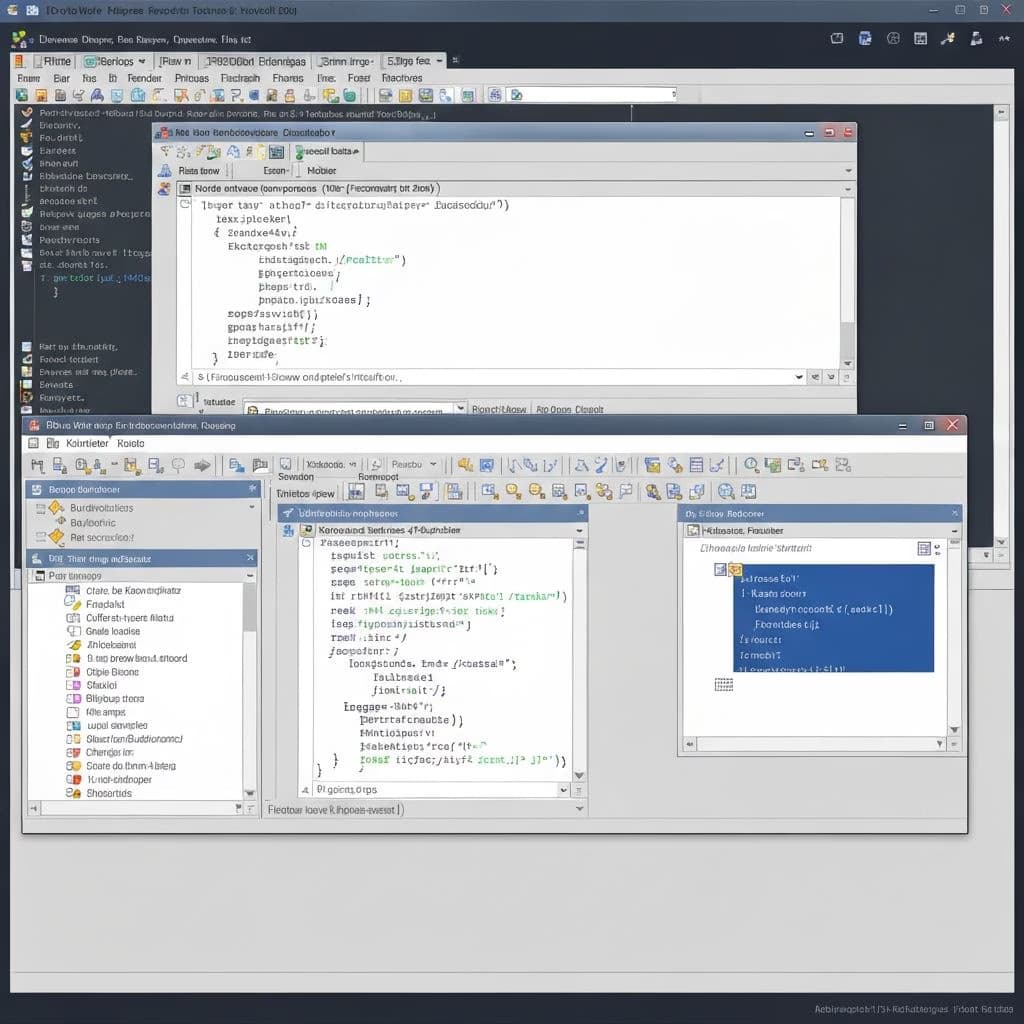
Place a TFDConnection component: Drag it from the tool pallet to your form or data module.
Double click on the component: The FireDAC Connection Editor opens.
Select the driver: In the Driver ID field, select the appropriate driver for your database (e.g. MySQL).
Enter the connection parameters: Fill out the required fields such as Database, Server, User Name and Password.
Test the connection: Click the test button. If everything is correctly configured, you will receive a successful message.
Activate the connection: Set the Connected property on True in the Object Inspector.
Step 2: Query and view data (Read)
To query data from a table, we use the TFDQuery component in combination with a TDataSource and a data-sensitive control element such as TDBGrid.
Place components: Add a TFDQuery, a TDataSource and a TDBGrid to your form.
configure TFDQuery: Put the connection property on your TFDConnection component.
Enter your SQL query in the SQL property editor, e.g.: SELECT * FROM customers.
TDataSource configuration: Set the DataSet property
References and further reading
The following separate references complement the topics in this article:
- Bitkom – German digital industry association.
- German Federal Office for Information Security (BSI).
- European Commission – Digital strategy.
- MDN Web Docs (Mozilla)
- W3C – World Wide Web Consortium.
"APIs are the backbone of modern systems; stabilise contracts early or pay twice in integration work later."
— Björn Groenewold, Managing Director, Groenewold IT Solutions
Frequently Asked Questions (FAQ)
What is this article about: “Delphi Database programming: basics and best practices”?
This article sums up practical aspects of Delphi Database programming: basics and best practices for leaders and delivery teams. In short: A guide to database programming with Delphi.
Who benefits most from the content described here?
It is especially relevant for firms in Delphi that need reliable systems, clear interfaces, and predictable delivery — from mid-market teams to expert departments.
How does this topic fit into an IT or digital strategy?
You can map the topic to service building blocks such as custom software and delivery support. Architecture reviews and stepwise rollout reduce risk and rework.
For multi-system landscapes, IT consulting and architecture helps align vendors and internal teams.
What are sensible next steps if we need support?
For architecture, rollout, or a second expert opinion, book a free initial consultation — including timeline and interface alignment.
About the author

Managing Director of Groenewold IT Solutions GmbH and Hyperspace GmbH
Since 2009 Björn Groenewold has been developing software solutions for the mid-market. He is Managing Director of Groenewold IT Solutions GmbH (founded 2010) and Hyperspace GmbH. As founder of Groenewold IT Solutions he has successfully supported more than 250 projects – from legacy modernisation to AI integration.
Blog recommendations
Related articles
These posts might also interest you.

Migrating from Delphi 7 to Delphi 12: Migration, Unicode and FireDAC Guide
Delphi 7 migrate to Delphi 12: Unicode, BDE→FireDAC, Compiler warnings and tests. Practice guide for middle and revision security.
Migrating a Delphi Application to the Web: Desktop vs. Browser Strategy and Architecture
Delphi application web migrate: when desktop remains, when browser-first makes sense, target architectures and rollout without Big Bang.
Finding Delphi Developers: Skills Shortage, Outsourcing and Migration Strategy
Delphi developers find despite skill shortage: recruiting reality, outsourcing, internal retraining and when migration helps.
Free download
Checklist: 10 questions before software development
Key points before you start: budget, timeline, and requirements.
Get the checklist in a consultationRelevant next steps
Related services & solutions
Based on this article's topic, these pages are often the most useful next steps.
Related services
Related solutions
Cost calculators
Related industries
Practical next steps after Delphi Database programming: basics and best practices
Delphi Database programming: basics and best practices addresses a practical choice for product and IT teams. Start with one clear goal: align software scope, technical risk, and business value before the next investment.
Check the current process, the data involved, and the result users need. Then record the main risks and define a small first step. This keeps the decision easy to review and gives your team a shared basis.
For implementation support, our custom software development connects the article's guidance with architecture, delivery, and stable operations. Engineering and project ownership stay with our team in Leer, Germany.
This post belongs to Delphi. Browse the related Delphi articles or use the English software blog for other topics.
When budget is the next question, the software cost calculators provide planning ranges. The IT glossary explains key terms, while in-depth technology guides cover wider decisions.
If the topic affects a live project, book a technical consultation or send the context through our project contact form. We usually reply within one working day.