
As of: 23 September 2026 · Reading time: 4 min
Key takeaways
- In today's digitalized business world, a powerful ERP system (Enterprise Resource Planning) is essential for many companies to optimize processes and competitive...
In today's digitalized business world, a powerful ERP system (Enterprise Resource Planning) is essential for many companies to optimize processes and competitive...
“Good software is not an accident—it comes from a structured development process with clear quality standards.”
– Björn Groenewold, Managing Director, Groenewold IT Solutions
Open-source ERP. The Community Edition is free and open source but offers only basic support via forums. The Enterprise Edition delivers professional support, extended features.
And hosting options — for business-critical applications, the Enterprise version is generally the safer choice.
In today's digitalized business environment, a powerful ERP system (Enterprise Resource Planning) is essential for many companies to improve processes and remain competitive.
An especially interesting option is Open Source ERP software.
But within this area, companies are often ahead of choice: should you choose a free community version or a paid enterprise version?
This article highlights the essential differences, benefits and disadvantages and helps you make the right decision for your company.
What is Open Source ERP?
In today's digitalized business world, a powerful ERP system (Enterprise Resource Planning) is essential for many companies to improve processes and competitive.
When planning Open Source ERP. Community vs. Enterprise versions – What solution… from idea to delivery, API & Integration Projects, Cost Calculator. API Development, [Solution.
Integration Chaos](/en/solutions/integration-chaos) sowie RPA vs. API Integration offer practical next steps on our site.
An open source ERP system is a software solution whose source code is publicly accessible.
This means that companies can download, install, adapt and develop the software for free.
This room to adapt is one of the biggest benefits of open source solutions.
Prominent examples of such systems are Odoo, ERPNext or Dolibarr. Many of these providers provide two main versions: a free community version and a commercial enterprise version.
The Community version: Freedom with responsibility
The community version is, as the name says, the free version worn by the community.
It usually offers the core functionalities of an ERP system and is steadily built and supported by a global community of developers and users.
Advantages of the community version
- No licensing costs: The most obvious advantage is the missing royalties. This significantly reduces entry barriers, especially for small and midsize companies (SMEs) with limited budgets.
- High room to adapt and adaptability: As the source code is open, the software can be adapted to the specific needs of its own company up to the smallest detail. Developers can create new modules or modify existing functions.
- Independence of the manufacturer: You are not bound to product policy or pricing of a single supplier. The company maintains full control of its system.
Disadvantages of the community version
- Limited range of functions: Often the community version lacks advanced modules or special functions that are only available in the enterprise version (e.g. advanced accounting functions, marketing automation or industry-specific solutions).
- No professional support: Support is primarily provided through community forums, mailing lists or documentation. There is no guaranteed professional support from the manufacturer with fixed service level apartments (SLAs).
- Higher internal effort: The rollout, maintenance, and in specific the rollout of updates require deep IT bone.
References and further reading
The following separate references complement the topics in this article:
- Bitkom – German digital industry association.
- German Federal Office for Information Security (BSI).
- European Commission – Digital strategy.
- MDN Web Docs (Mozilla)
- W3C – World Wide Web Consortium.
Frequently Asked Questions (FAQ)
What is this article about: “Open Source ERP: Community vs. Enterprise versions – What solution fits your company?”?
This article sums up practical aspects of Open Source ERP. Community vs. Enterprise versions – What solution fits your company? for leaders and delivery teams. In short.
In today's digitalized business world, a powerful ERP system (Enterprise Resource Planning) is essential for many companies to improve processes and competitive...
Who benefits most from the content described here?
It is especially relevant for firms in Software development that need reliable systems, clear interfaces, and predictable delivery — from mid-market teams to expert departments.
How does this topic fit into an IT or digital strategy?
You can map the topic to service building blocks such as custom software and delivery support. Architecture reviews and stepwise rollout reduce risk and rework.
For multi-system landscapes, IT consulting and architecture helps align vendors and internal teams.
What are sensible next steps if we need support?
For architecture, rollout, or a second expert opinion, book a free initial consultation — including timeline and interface alignment.
About the author

Managing Director of Groenewold IT Solutions GmbH and Hyperspace GmbH
Since 2009 Björn Groenewold has been developing software solutions for the mid-market. He is Managing Director of Groenewold IT Solutions GmbH (founded 2010) and Hyperspace GmbH. As founder of Groenewold IT Solutions he has successfully supported more than 250 projects – from legacy modernisation to AI integration.
Blog recommendations
Related articles
These posts might also interest you.
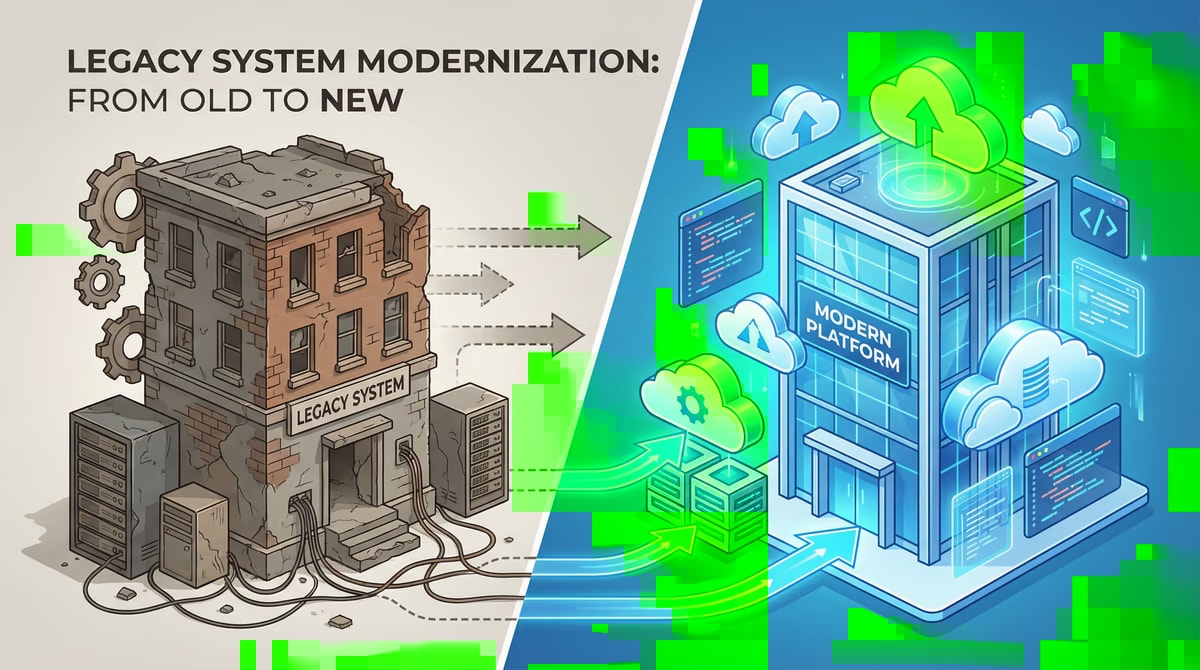
Altsystem migration: project planning and milestones for a smooth transition
In today's rapidly changing digital landscape, outdated IT systems – often referred to as old systems – are one of the biggest obstacles for companies that are competitive and innovative...
Altsystem migration: How to master stakeholder management
Modernisation of outdated IT infrastructures is an inevitable necessity for many companies to remain competitive. But the Altsystem migration holds numerous Hera...
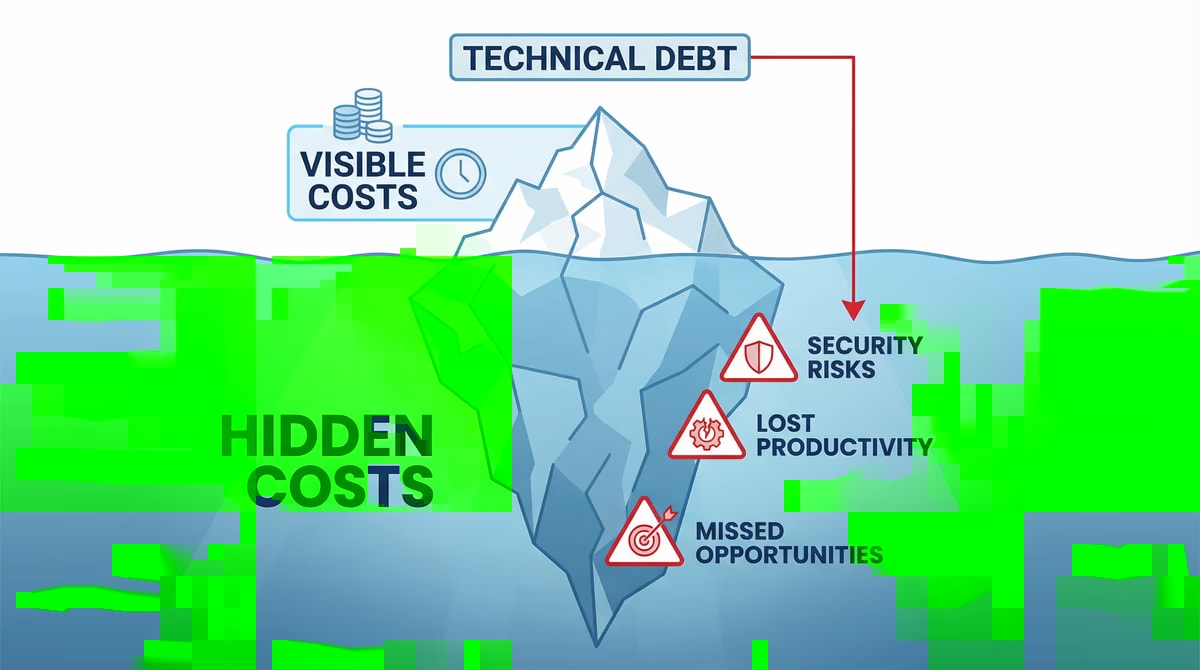
Technical Debt: Detection, Assessment and Strategic Debt
Time and resources are often scarce in the fast-paced world of software development. To comply with deadlines and bring new features to the market quickly, compromise...
Free download
Checklist: 10 questions before software development
Key points before you start: budget, timeline, and requirements.
Get the checklist in a consultationRelevant next steps
Related services & solutions
Based on this article's topic, these pages are often the most useful next steps.
Related services
Related solutions
Related comparison
Cost calculators
Practical next steps after Open Source ERP: Community vs. Enterprise versions – What solution fits your company?
Open Source ERP: Community vs. Enterprise versions – What solution fits your company? addresses a practical choice for product and IT teams. Start with one clear goal: select and adapt an ERP setup around real workflows instead of generic feature lists.
Check the current process, the data involved, and the result users need. Then record the main risks and define a small first step. This keeps the decision easy to review and gives your team a shared basis.
For implementation support, our Odoo ERP consulting and development connects the article's guidance with architecture, delivery, and stable operations. Engineering and project ownership stay with our team in Leer, Germany.
This post belongs to Software development. Browse the related Software development articles or use the English software blog for other topics.
When budget is the next question, the software cost calculators provide planning ranges. The IT glossary explains key terms, while in-depth technology guides cover wider decisions.
If the topic affects a live project, book a technical consultation or send the context through our project contact form. We usually reply within one working day.