How to connect your company systems for sustainable success
In today's business world marked by digital transformation, data is the undisputed elixir of life of every company. They are the basis for innovation, efficiency and sound...

We develop business apps that digitize your internal processes – from mobile field apps to internal portals and workflow tools.
Business App Development
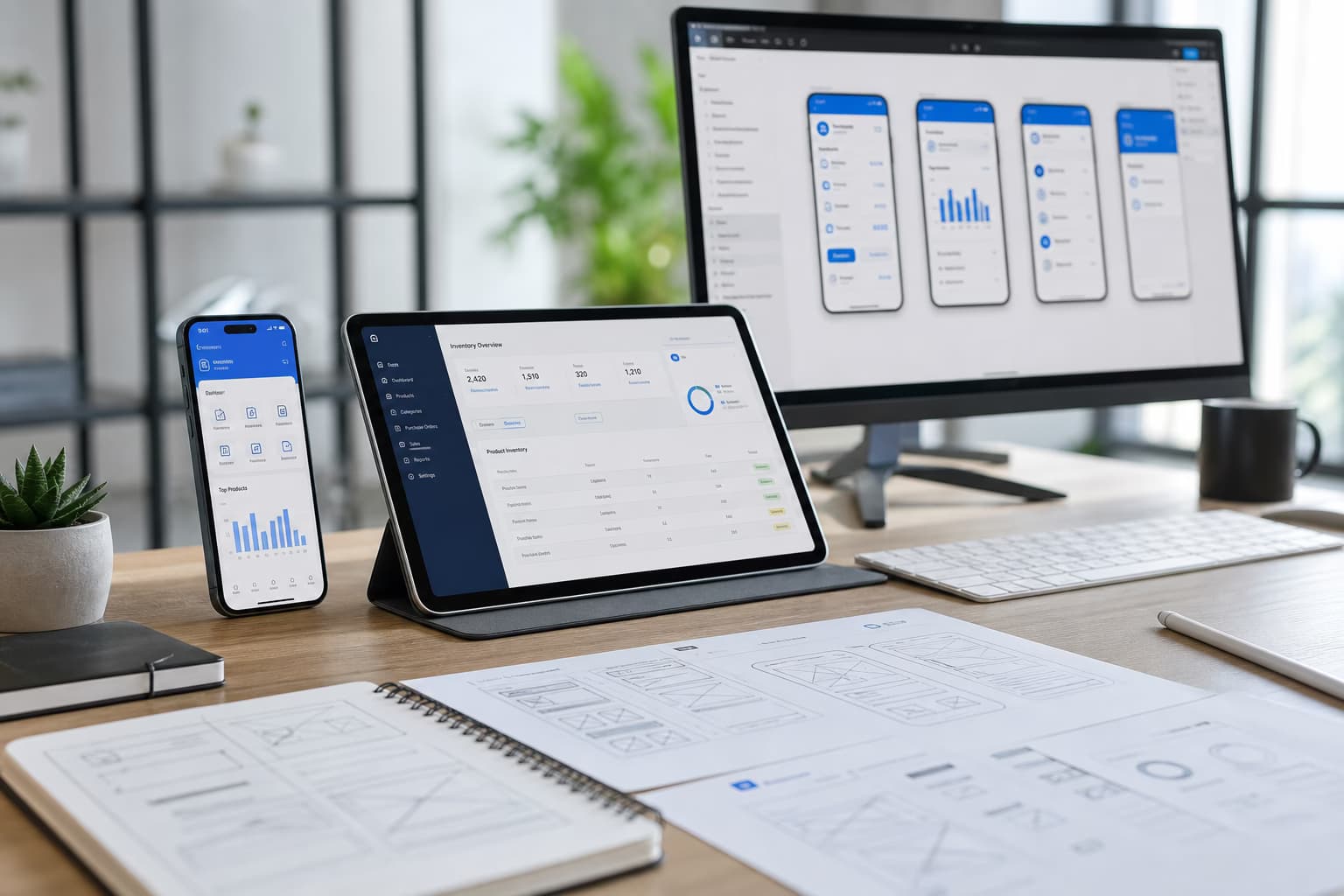
Business apps fit your workflows: data capture in the field, approvals, reporting, links to ERP and CRM. We build web and mobile apps your team uses every day – simple, fast and aligned with how you work. Not a generic product, but a solution that fits your business.
“Field apps need offline plans and conflict resolution—pure online forms fail on site and in warehouses.”
Thorsten Frieling, Senior Developer & Project Manager, Groenewold IT Solutions

Business apps pay off when workflows, roles and integrations are nailed down early. If you have a process in mind—field data, approvals, ERP handover—a short call is the best way to translate it into a roadmap, budget range and an iteration plan that your team can actually run.
Thorsten Frieling – Project management
FAQ
According to the app cost calculator, a non-binding orientation for a complete app project (platform, complexity, design, features, backend) is EUR 4,760 – 75,688 excl.
VAT. Line items in the calculator are not full project prices. Optional monthly maintenance is shown separately (up to about EUR 840/month in the calculator). A binding offer follows the requirements analysis.
Business-app scenarios are positioned within this range by platform, features, backend and integrations.
Yes, where needed.
We build mobile and web apps with offline data capture and sync when online – for field service and on-site use.
Yes.
We connect to common ERP, CRM and other systems so data flows in and out and the app fits into your existing landscape.
Typically 2–4 months for a first release.
We deliver in iterations so you can use core features early and add more later.

Four checks: the job, offline, roles and distribution.
1. Pick the job
One order, one inspection or one status update. The app does not start as a menu of every department.
2. Decide offline
Which steps are stored without a network and when they sync.
3. Cut the roles
Warehouse, field and office do not see the same fields.
4. Choose distribution
Store, internal portal or device management. The path sets updates and testing.
A business app has to carry the job in the warehouse, on site or in the field. Approval for business app should therefore depend on a measurable baseline, an accountable business owner, and a clear target. The HowTo block on this page describes delivery; this section is only for the project decision.
Browse all solutions by use case, industry, and application type. For our service portfolio, see Services; for in-depth topic articles, see Topics.
Key terms are explained in our IT Glossary. For a non-binding discussion about business app or a proposal, please contact us.
Articles that complement this solution.

How to connect your company systems for sustainable success
In today's business world marked by digital transformation, data is the undisputed elixir of life of every company. They are the basis for innovation, efficiency and sound...

Venture Capital for Software Development: Opportunities and Risks
In the dynamic world of software development, access to capital is often the decisive factor that decides on the success or failure of an innovative start-up. One of the famous...

Software funding in the middle class: practical examples and success factors
Digitization poses major challenges to small and medium-sized enterprises (SMEs), but also offers immense opportunities. One of the central hurdles is often **Software Financing**. How...