
As of: 19 June 2026 · Reading time: 4 min
Key takeaways
- Native or Cross-Platform App Development?
- Comparison of Swift/Kotlin vs.
- Learn which approach your project is the right one.
Native or Cross-Platform App Development? Comparison of Swift/Kotlin vs. Flutter/React Native. Learn which approach your project is the right one.
“An app’s success is decided before the first line of code—in user research and product clarity.”
– Björn Groenewold, Managing Director, Groenewold IT Solutions
What the Choice Is Really About
Native or Cross-Platform App Development?
For Native vs. Cross-Platform: Which App Development Is the Right Choice, View services, Cost Calculator: App Development sowie Discover solutions help you align rollout, scope and budget before you commit.
Choosing between native and cross-platform development is a strategic decision. It affects development cost, time to market, performance, and long-term maintenance effort.
Neither approach is universally better. The right answer depends on your specific needs, budget, and target users.
Native App Development
Native development means building separate applications for each operating system. iOS apps use Swift or Objective-C. Android apps use Kotlin or Java.
Each app is built clearly for its platform. It has unrestricted access to platform-specific hardware and software features.
When native is appropriate:
- Maximum performance is required (games, AR/VR, complex real-time processing).
- Platform-specific user experience is critical for adoption.
- Deep hardware integration is needed (custom camera, Bluetooth, NFC).
- Budget allows for two parallel codebases.
Cross-Platform Development
Short: Cross-platform development uses a single shared codebase that runs on multiple operating systems.
Cross-platform development uses a single shared codebase that runs on multiple operating systems. Frameworks like Flutter and React Native translate this shared code into native UI elements.
When cross-platform is appropriate:
- Development budget needs to be controlled — typically 20–40% lower than native.
- Faster time-to-market is a priority.
- The app uses standard UI components without heavy platform-specific interactions.
- A single team should maintain one codebase for both platforms.
Direct Comparison
| Criterion | Native | Cross-Platform |
|---|---|---|
| Performance | Excellent | Good to Very Good |
| User experience | Best | Good |
| Development cost | High (two codebases) | 20–40% more economical |
| Time to market | Longer | Faster |
| Maintenance | More demanding | Simpler |
| Hardware access | Unrestricted | Limited |
Technology Options
Swift and Kotlin (Native)
Short: Official platform languages supported by Apple and Google.
Official platform languages supported by Apple and Google. Maximum stability, security, and access to the latest platform features. Ideal for performance-critical applications.
Flutter (Google)
Short: The most widely adopted cross-platform framework.
The most widely adopted cross-platform framework. Flutter renders UI directly — no intermediary bridge — which gives it near-native performance. Hot Reload accelerates development cycles significantly.
Well-suited for mid-sized companies building business apps that must work on both iOS and Android.
React Native (Meta)
Short: Built on the JavaScript React library.
Built on the JavaScript React library. Large community and broad pre-built component libraries. Strong choice when your team already works with React for web.
How to Make the Decision
Ask these questions before committing:
- What performance level does the app require? Real-time processing and complex animations favor native.
- How important is platform-specific UX? Consumer apps benefit more from platform alignment than internal business tools.
- What is the budget and timeline? Cross-platform reduces both.
- What hardware integration does the app need? Complex sensor or Bluetooth integration may require native APIs.
- Who maintains the app? One team, one codebase simplifies maintenance.
For most mid-sized company internal business applications, Flutter provides an effective balance of cost, quality, and delivery speed.
"An app's success is decided before the first line of code — in user research and product clarity." — Björn Groenewold, Managing Director, Groenewold IT Solutions
Frequently Asked Questions (FAQ)
What is this article about: “Native vs. Cross-Platform: Which App Development Is the Right Choice”?
Here we cover Native vs. Cross-Platform. This App Development Is the Right Choice — focused on architecture, process, and business outcomes. In short: Native or Cross-Platform App Development?
Comparison of Swift/Kotlin vs. Flutter/React Native. Learn which approach your project is the right one.
Who benefits most from the content described here?
Typical readers are business and IT leaders in App-Entwicklung who want to secure quality, security, and ease of upkeep over the long term.
How does this topic fit into an IT or digital strategy?
In a digital strategy, prioritize stable core processes first, then extensions. See also professional software development and consulting.
For multi-system landscapes, IT consulting and architecture helps align vendors and internal teams.
What are sensible next steps if we need support?
If you need support with design, delivery, or modernization: schedule an appointment or outline your project via contact.
References and further reading
The following separate references complement the topics in this article:
About the author

Managing Director of Groenewold IT Solutions GmbH and Hyperspace GmbH
Since 2009 Björn Groenewold has been developing software solutions for the mid-market. He is Managing Director of Groenewold IT Solutions GmbH (founded 2010) and Hyperspace GmbH. As founder of Groenewold IT Solutions he has successfully supported more than 250 projects – from legacy modernisation to AI integration.
Blog recommendations
Related articles
These posts might also interest you.

What is Clean Architecture?
># Floter project structure: Clean Architecture successfully implement
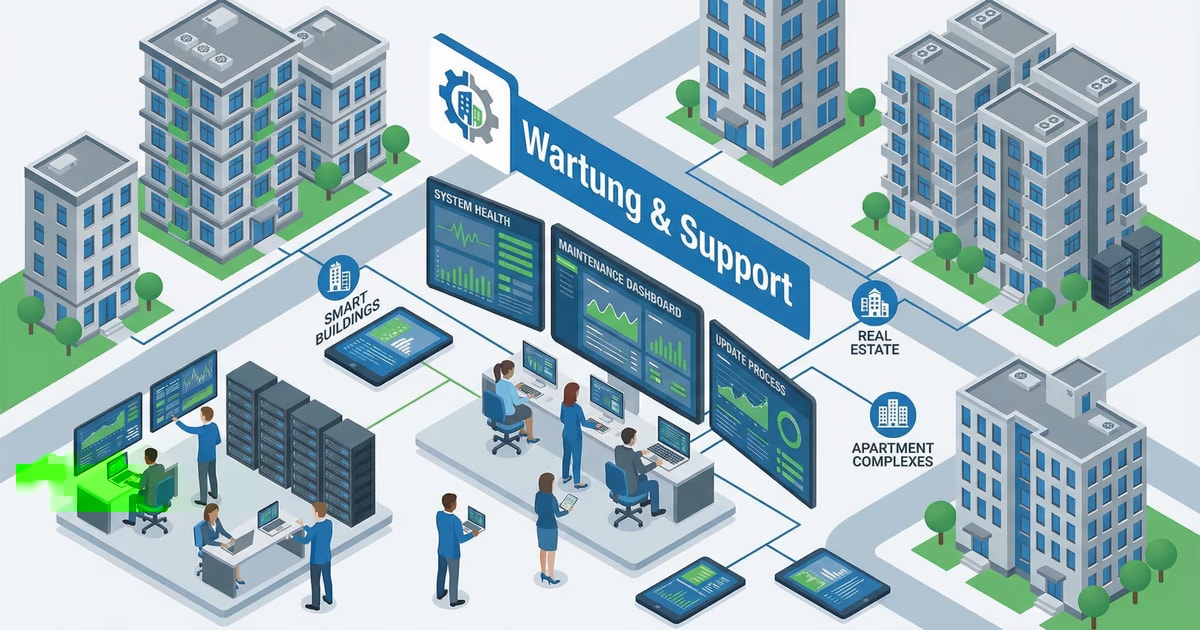
App development for real estate management: How PropTech solutions revolutionize your business
The real estate industry, long known as one of the most traditional industries, experiences a profound digital transformation. Driven by technological progress and the rising expectations of tenants,…
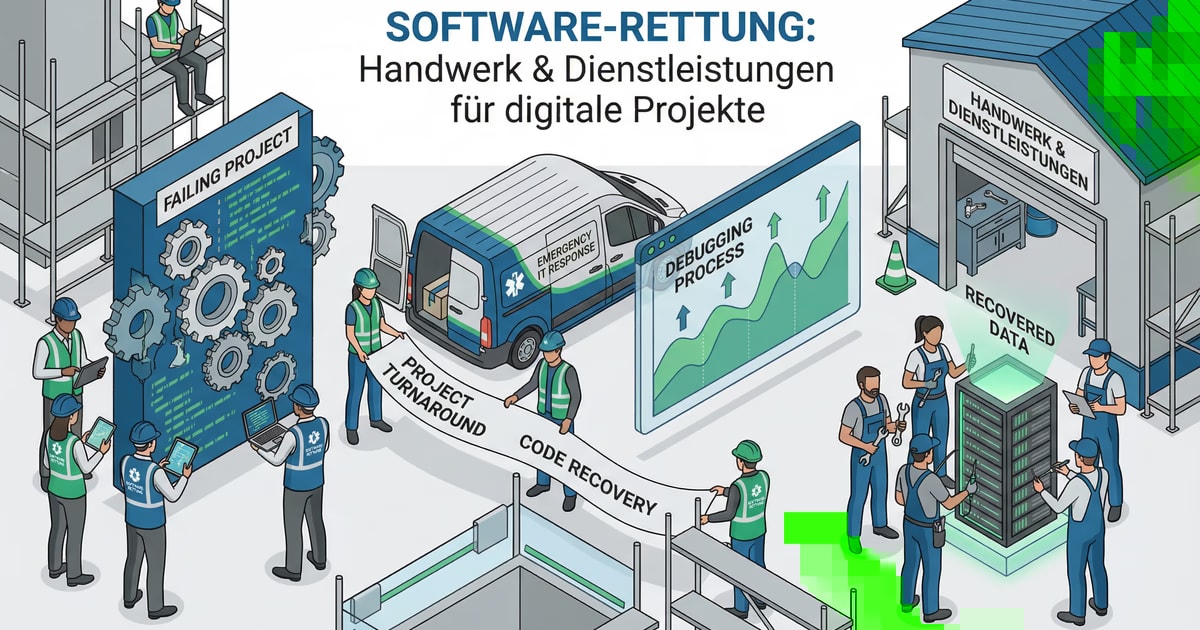
App Development for Crafts & Services: The Turbo for your Digitalization
Digitization is no longer an abstract topic of the future, but a handful of necessity that does not stop traditional industries such as crafts and services. In a world where the smartphone is a...
Free download
Checklist: 10 questions before software development
Key points before you start: budget, timeline, and requirements.
Get the checklist in a consultationRelevant next steps
Related services & solutions
Based on this article's topic, these pages are often the most useful next steps.
Related services
Related solutions
Cost calculators
Practical next steps after Native vs. Cross-Platform: Which App Development Is the Right Choice
Native vs. Cross-Platform: Which App Development Is the Right Choice addresses a practical choice for product and IT teams. Start with one clear goal: choose an app approach that stays secure, testable, and useful after launch.
Check the current process, the data involved, and the result users need. Then record the main risks and define a small first step. This keeps the decision easy to review and gives your team a shared basis.
For implementation support, our business app development connects the article's guidance with architecture, delivery, and stable operations. Engineering and project ownership stay with our team in Leer, Germany.
This post belongs to App-Entwicklung. Browse the related App-Entwicklung articles or use the English software blog for other topics.
When budget is the next question, the software cost calculators provide planning ranges. The IT glossary explains key terms, while in-depth technology guides cover wider decisions.
If the topic affects a live project, book a technical consultation or send the context through our project contact form. We usually reply within one working day.