

Odoo
Odoo vs. SAP: A closer look at total cost of ownership (TCO)
In today's business world, characterized by digital transformation, a powerful enterprise resource planning (ERP) system for optimizing business processes is the increase in...

Migrating to Odoo from another ERP, Excel or custom systems requires a clear plan: data cleansing, mapping to Odoo models, migration scripts and validation. We handle master and transaction data, run test migrations and support your go-live and cutover. We also train your team and document procedures so you can operate Odoo confidently from day one.
Migrating to Odoo from another ERP, Excel or legacy systems requires a clear plan and careful data handling. We analyse your source data and processes, map them to Odoo’s data model and build migration scripts that cleanse and validate data before load. Test migrations and parallel runs reduce go-live risk; we support cutover and hypercare so your team can operate Odoo confidently from day one. Training and documentation are part of our standard delivery so you retain control after handover.
We have migrated many companies to Odoo; we know typical pitfalls and how to avoid them. Data quality in the source system often determines how smooth the migration runs – we advise on cleansing and mapping early so the cutover stays predictable. Parallel runs and hypercare after go-live give your team time to adapt while we are on hand for questions. All work is documented so you retain full control after handover; we can also provide ongoing support and further customizing if needed.
Get in touch for a free consultation – we outline scope, timeline and cost for your Odoo migration without obligation.
Discuss your projectFAQ
An Odoo version upgrade often 1–4 weeks.
Migration from another system: several weeks to months, depending on data volume and complexity. We give a realistic timeline after a short assessment.
Yes during testing.
At go-live we plan a short freeze or cutover window. We use parallel runs and hypercare so your team can adapt.
We check them for compatibility with the target version and adapt or replace them if needed so nothing is lost.
We use backups, test migrations and sign-off so the risk is minimised.
Rollback is possible until the agreed go-live point.

Use our funding calculator to see which government grants may apply to your project.
Björn Groenewold – Managing Director
From the field: Odoo ERP für Industriemittelstand (scenario). All references.

Use our interactive calculator for a first budget indication—free and non-binding.
Thorsten Frieling – Projektmanagement
Project references
Documented examples with transparent evidence types — browse matching references or open the full case study.
On the scheduling page, pick a free slot for a 30-minute intro call about Odoo Migration – straightforward next steps.
Free & non-binding · 30-minute intro call
Book next available slotOur topic overview links related articles and entry points alongside this service page.
Recent articles from our blog that match this service.
Odoo vs. SAP: A closer look at total cost of ownership (TCO)
In today's business world, characterized by digital transformation, a powerful enterprise resource planning (ERP) system for optimizing business processes is the increase in...
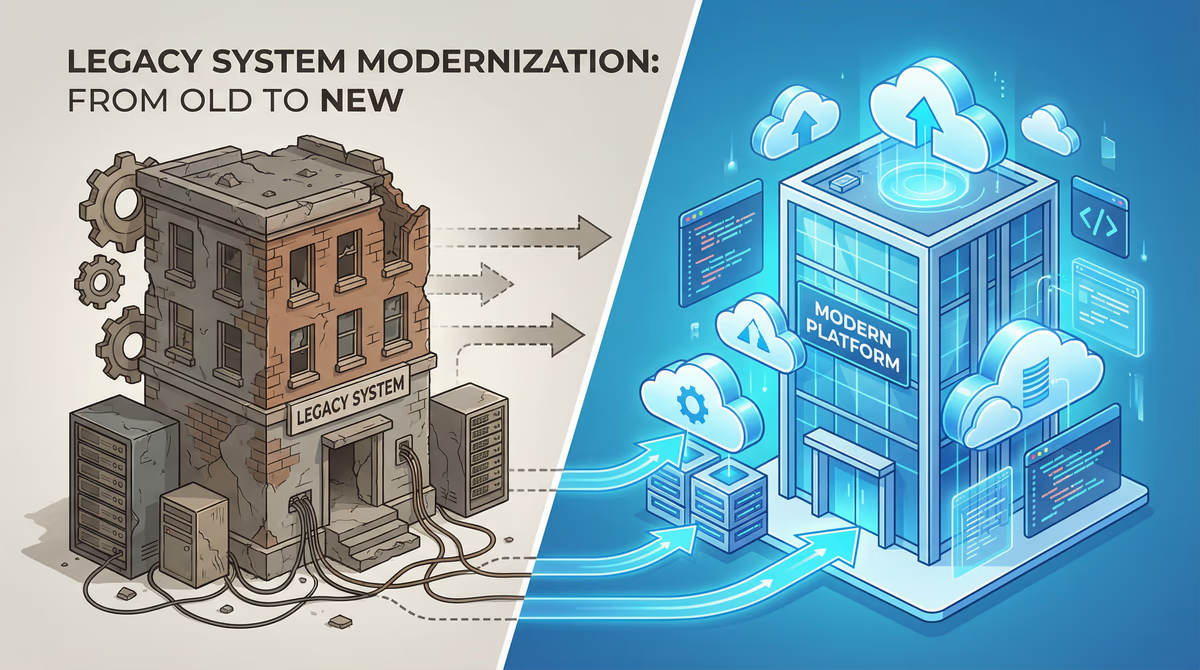
Technical debt in legacy systems: A ticking time bomb?
In the fast-paced world of software development, time and budget are often the driving forces. In order to adhere to deadlines and keep projects within the framework, compromises are often made at...
Replace legacy software: strategies and common pitfalls
In today's fast-paced digital world, outdated software systems, often referred to as legacy software, are one of the biggest challenges for companies. You can find innovations frombrem...