As of: 23 September 2026 · Reading time: 13 min
Key takeaways
- Plan and implement tailor-made interfaces for ERP systems.
- Avoid costs, technologies and errors – now free project check.
Plan and implement tailor-made interfaces for ERP systems. Avoid costs, technologies and errors – now free project check.
“Digitalization is not an IT project—it is a business strategy.”
– Björn Groenewold, Managing Director, Groenewold IT Solutions
Why customized interfaces are indispensable for ERP systems
Short response: Plan and implement tailor-made interfaces for ERP systems.
For Custom interfaces for ERP systems: The Guide, Cost Calculator: API Development and Solution: Integration Chaos are practical starting points. Budget and industry context: RPA vs. API Integration.
To Custom interfaces for ERP systems: The guide are system integration and individual software development suitable entrances for planning and rollout.
Standard APIs work well, as long as all participants play by script. Once a process deviates, the problems begin.
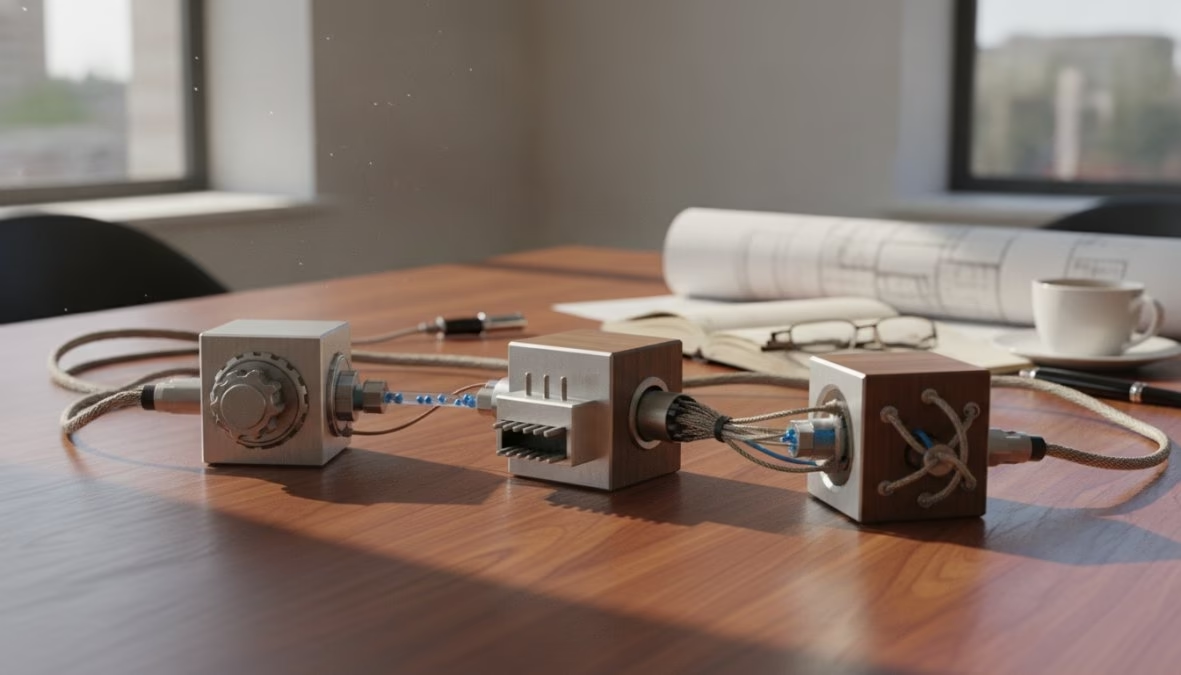
An custom ERP interface is a specially built connection layer that lets two or more systems communicate according to the exact needs of a company - without being dependent on the smallest common denominator of a manufacturer standard.
This has direct operating effects. Orders from the webshop automatically land in ERP, stocks synchronize in real time. And invoice data flow into accounting without manual post-work.
Many midsize companies work with historically grown system landscapes in which an ERP from the 2000s, a modern warehouse management system and a cloud webshop rarely speak the same language.
This is clearly where individual interface development begins.
Standard API vs. Individual Interface: The decisive difference
Standard APIs follow the principle 'a solution for most cases'. The manufacturer defines data fields, format and frequency.
If your process does not fit, you need to adapt - not the interface.
Custom interfaces reverse this relationship. Your processes remain as they are, the interface is built around them. Specific benefits:
- No forced process adjustments due to technical limitations.
- Full control of data format, transmission frequency and error handling.
- Independence of manufacturer roadmaps and API version cycles.
- Direct influence on security architecture and data storage.
The disadvantage: custom development costs more time and budget. A simple product data synchronization between two modern systems is often solved with a standard connector.
Complex order processing logics with several systems and exceptional treatments are almost always a case for custom development.
Personal interfaces are worthwhile if your processes are not fully mapped by standard APIs, the error costs of manual data input are high or you need long-term independence from the manufacturer.
ERP Interfaces Programming: Technologies and Approaches OverviewThose who are faced with ERP interface programming for the first time are faced with a selection of protocols, architectures and frameworks. The key is not to choose the most modern technology, but the right one.

The choice of interface technology not only determines the technical rollout. However, also maintenance, scalability and long-term operating costs.
According to Gartner's Enterprise Integration Patterns Analysis the technology decision for integration projects is one of the most common causes of subsequent reworking.
REST, SOAP and EDI: What technology suits what application?
REST (Representational State Transfer) is today the standard approach for modern web APIs. REST APIs communicate via HTTP, are stateless and typically use JSON.
They are lightweight and are supported by almost all modern systems - for new integrations between cloud systems almost always the first choice.
SOAP (Simple Object Access Protocol) is older but not outdated. Many proven ERP systems, especially older SAP installations, rely on SOAP.
The protocol is more strictly typified, offers built-in error treatment and is well suited for transaction-critical processes.
EDI (Electronic Data Interchange) is the standard in B2B data exchange, especially in trade, logistics and automotive.
Rollout is more complicated than REST, but vital for supplier communication in regulated industries.
| Technology | Strengths | Typical Use |
|---|---|---|
| REST | Lightweight, widely used | Modern cloud systems, webshops |
| SOAP | Type-safe, transaction support | SAP-Legacy, financial and insurance systems |
| EDI | B2B standard, regulatory | Trade, Logistics, Automotive |
| GraphQL | Flexible queries, less overhead | Complex data models, mobile apps |
Low code and No code as an option for mid-sized businesses
Platforms such as Make (former Integromat), n8n or Microsoft Power Automate promise ERP integration without deep programming knowledge.
This often works well for simple scenarios. .The limit lies with complexity and control.
As soon as fault treatment, complex transformation logic or specific security needs come into play, no-code tools quickly push their limits. Vendor-Lock-in adds.
Whoever built his integration logic in a proprietary tool depends on his roadmap and pricing model.
Attention: Low code platforms often produce invisible vendor lock-in. If the provider increases prices or adjusts the product, your critical business processes are suspended in the air.
Always check if and how you can export or migrate your integration logic.
Middleware for ERP systems: When an integration layer is worthwhile
Short: Point-to-point integrations are temptingly simple.
Point-to-point integrations are temptingly simple. System A speaks directly with System B. This works for two systems.
In ten systems 45 connections are formed - each change involves adjustments in all.
Middleware for ERP systems solves this problem through a central integration layer. Each system speaks only with the middleware that transforms, routes and monitors data.
Known approaches include Enterprise Service Bus (ESB), iPaaS or expert products such as MuleSoft, Azure Integration Services or IBM App Connect.
Middleware is worthwhile if more than three to four systems have to be integrated, integrations frequently change or a central point for monitoring is required.
With a simple two-system integration, Middleware is often overkill.
A frequently overlooked advantage: Middleware allows workflow automation across system boundaries.
If an order changes a status in the ERP, the middleware can automatically notify the warehouse, initiate a shipping confirmation and inform the customer via email - without human intervention.
automate data exchange: step-by-step for functioning integration
Automating ERP data exchange is an stepwise process that begins with careful preparation and ends with continuous monitoring. Whoever overthrows this process will pay twice later.
Step 1: Process analysis and requirement definition
Before a single line code is written, you need to understand exactly what to be automated. Document the actual state: What data are transferred manually today?
Where are errors occurring? What exceptions are there? Then define the target state. What data should flow automatically, in which frequency, and what happens with errors?
The more precise these needs, the less rework in the development phase. .> Profi tip: Lead They interviews not only with the IT department.
However, also with the operating teams. These know exceptions and special logics that are not included in any documentation but need to be mapped in the interface.
Step 2: Map system landscape and interfaces
Create a complete overview of all the systems involved: Which APIs are available? What data formats and authentication methods are required? Is there any rate limits?
This mapping often covers unexpected obstacles - a legacy system offers only CSV export, a cloud platform allows only 1,000 API cases per hour.
Having such knowledge early prevents expensive surprises during development.
Step 3: Development, Testing and Go Live
The development phase follows a clear pattern. Image data models on each other (mapping), implement transformation logic, build error handling and logging.
Whoever treats logging step-mothered, taps in operation in the dark.
Testing is especially critical. Test not only the normal case, but explicitly errors. What happens if the target system is not accessible? What about double records?
A structured test plan with realistic productive data is vital. The Go level should be step-by-step - start with a limited data stream, observe logs and error rate.
And only then scale to the full volume.
Costs of ERP Interfaces Development: What mid-sized businesses really need to plan
The costs of ERP interface development are systematically underestimated because many companies only calculate the development time. A realistic calculation includes:
- Analytical phase: Process recording, requirement definition, system mapping.
- Development: Mapping, Transformation Logic, Error Treatment, Logging.
- Testing: Functional test, load test, error scenarios, user acceptance testing.
- Deployment: Integration into existing infrastructure, rollout management.
- Operation and maintenance: Monitoring, troubleshooting, adjustments to system updates.
Especially the last point is underestimated. ERP updates can bring API changes that break your interface.
Plan an annual maintenance budget of typically 15 to 25 percent of the original development costs. .The counter-calculation is crucial.
How many hours are now manually used for data entry and error correction? Multiplies with the employee hour rate result quickly, from when the investment is expected.
According to Bitkom analyses on digitization in mid-sized businesses, the automation of manual data processes is one of the areas with the highest measurable ROI in midsize IT projects.
Data protection, compliance and GDPR for tailor-made ERP interfaces
Customised interfaces for erp systems frequently transfer personal data: customer data, employee data, order history. Each of these transfers is subject to the GDPR. This means:
Data minimization: Transfer only the data that are actually required for the respective process.
Encryption: All data transmissions must be encrypted, at least TLS 1.2, better TLS 1.3. Sensitive data should also be encrypted in the rest state.
Protocoling and traceability: Logs are important not only for debugging, but also for GDPR request and audits.
Contract processing contracts: If an external service provider has access to personal data, a contract processing contract is in accordance with Art. 28 GDPR duty.
Data retention in the EU: Ensure that data is not transferred to third countries without adequate level of protection, especially for integrated cloud services.
Groenewold IT Solutions develops all interfaces GDPR-compliant with data retention in the EU and delivers the complete source code without Vendor lock-in.
This means companies keep complete control of their data flows at any time.
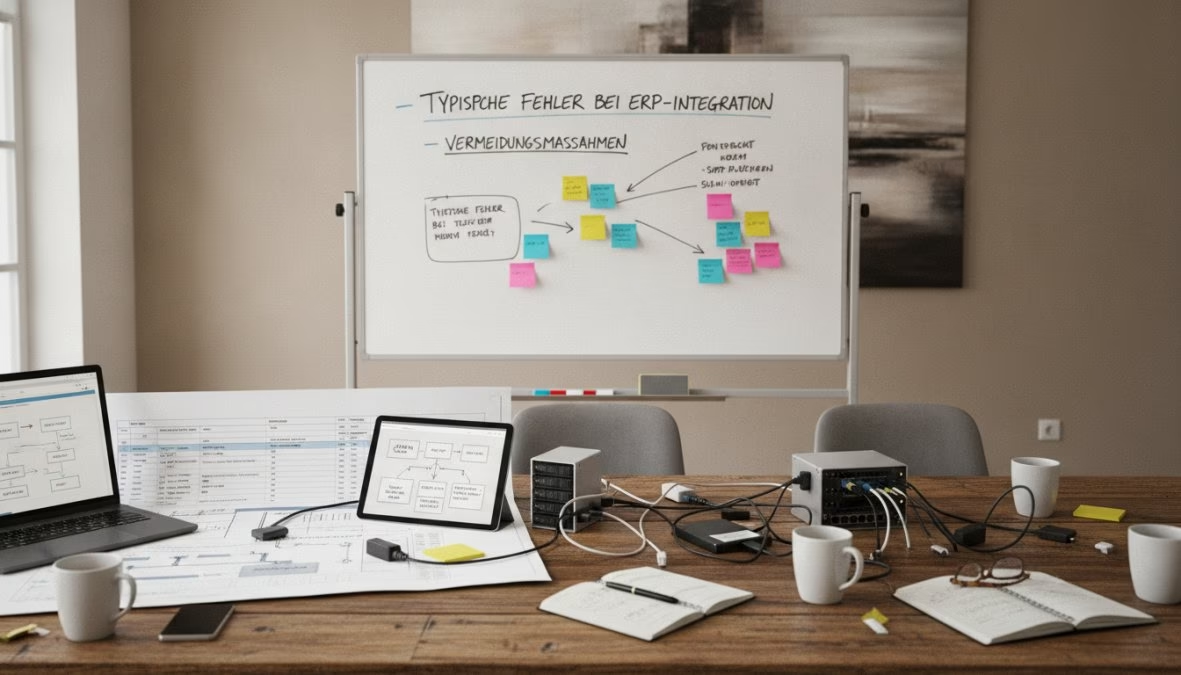
Typical errors in ERP integration and how to avoid these
Most integration projects do not fail in technology, but in predictable organizational and planning errors:
- Incomplete needs: The interface is built before all exceptions are known. Result: reworking that is more expensive than the original development.
- Felectional error treatment: Many interfaces are tacitly collapsed during the first error. Without logging and alerting, no one notices that until data is missing.
- No rollback plan: Without defined rollback process, the Go Live is a gambling game.
- Overviewed data quality: Duplicates, missing mandatory fields, inconsistent formats in the source system cannot be solved by the interface.
- Underestimated test effort: Interface tests are abbreviated under time pressure - this is coming in operation.
.
Change Management: Why technology alone is not enough
The best technical integration fails if people who work with it daily do not accept it.
Change management means that employees integrate early, take concerns seriously and communicate transparently what changes and why.
Anyone who automates manual data entry takes away a task from an employee - as it is communicated, decides about acceptance or silent resistance.
Training is not an optional attachment. If employees do not understand what the interface is doing, new manual parallel processes are created. This will destroy the entire benefit.
According to McKinsey's review of digital transformation projects, lack of change management is one of the most common reasons why digitization projects miss their goals - for ERP integration projects this is especially true.
A proven pattern: Call internal "pronouncers" in the departments concerned, channel feedback and act as the first contact person.
Profi tip: Plan at least two weeks of parallel operation in which old and new processes run simultaneously.
This gives employees time to build confidence in the new interface before the manual process is shut down.
Conclusion: Individual ERP interfaces as a strategic competitive advantage
Tailored interfaces for erp systems are not a luxury for corporations.
They are an operational foundation for every middleman who wants to scale business processes without adjusting more personnel proportionally.
The decision for custom development is a decision for long-term control over data flows, process logic and system independence.
Anyone who delivers this control to manufacturer APIs or proprietary low-code platforms buys short-term speed with long-term dependency.
The technical rollout follows a clear path. Process review, system mapping, careful development with fault treatment and logging, structured testing and step-by-step go-live.
What makes this path a success is not only technical craft.
However, also the change management that accompanies the affected teams by the change. .According to Bundesministerium für Wirtschaft und Klimaschutz zu Digitisation im mid-sized businesses, the integration of heterogeneous IT systems remains one of the key challenges of midsize companies in Germany.
The good news: it is detachable when it is strategically approached.
ERP integration projects often fail not on technology. However, on lack of experience with the specific needs of mid-sized firms.
Groenewold IT Solutions develops custom ERP interfaces with fixed developers in Germany, delivers complete source code without Vendor lock-in and guarantees GDPR-compliant data retention in the EU.
Request your free project check now and learn what integration architecture fits your system landscape.
Frequently Asked Questions (FAQ)
Why are tailor-made interfaces necessary for ERP systems?
Standard interfaces often cover only generic applications and do not match the custom processes of a company.
Tailored interfaces for ERP systems make it possible to accurately map specific business processes, adapt data formats and seamlessly connect third-party systems such as CRM, web shop or production facilities - without friction losses and manual reworking.
Especially in mid-sized firms, where grown system landscapes are the rule, the custom solution is often the only practical option.
What does the development of an individual ERP interface cost?
The cost of ERP interface development varies greatly depending on the complexity, number of connected systems and selected technology.
Simple REST API connections can be realized from a few thousand euros.
At the same time, complex middleware solutions with multiple system partners quickly reach five to six-digit amounts.
In addition to development costs, ongoing maintenance, testing and documentation are crucial. A transparent cost-benefit review before project start helps to plan the budget realistically.
What technologies are used for ERP interfaces?
REST APIs, SOAP web services and EDI standards are used for ERP interface programming.
For more complex integrations with multiple systems, Middleware offers ERP systems - for example based on Enterprise Service Buses (ESB) or iPaaS platforms.
Low-code and no-code tools gain importance in the SME environment. However, quickly reach their limits for specific needs.
The choice of technology depends on existing systems, data volumes and security needs.
How long does the implementation of an ERP interface take?
?A simple point-to-point interface can be introduced in a few weeks.
More complex projects with multiple systems, complex data transformation or strict compliance needs last three to six months.
A careful process review and clear requirement definition at the beginning significantly shortens the rollout time and reduces the risk of costly reworking.
The ERP data exchange can be automated most efficiently with skilled developers and structured project procedures.
What risks are there when connecting third-party systems to an ERP?
Typical risks are data loss due to incorrect mappings, vulnerabilities at interfaces, GDPR violations with insufficiently secured data exchange.
This also covers system failures due to lack of error treatment. In addition, there are organisational risks such as missing change management and inadequate documentation.
With a structured process review, professional testing, EU-compliant data retention and clear responsibilities, these risks can be significantly minimized in tailor-made interfaces for ERP systems.
References and further reading
The following separate references complement the topics in this article:
About the author

Managing Director of Groenewold IT Solutions GmbH and Hyperspace GmbH
Since 2009 Björn Groenewold has been developing software solutions for the mid-market. He is Managing Director of Groenewold IT Solutions GmbH (founded 2010) and Hyperspace GmbH. As founder of Groenewold IT Solutions he has successfully supported more than 250 projects – from legacy modernisation to AI integration.
Blog recommendations
Related articles
These posts might also interest you.
Technical debt in legacy systems: A ticking time bomb?
In the fast-paced world of software development, time and budget are often the driving forces. In order to adhere to deadlines and keep projects within the framework, compromises are often made at...
Replace legacy software: strategies and common pitfalls
In today's fast-paced digital world, outdated software systems, often referred to as legacy software, are one of the biggest challenges for companies. You can find innovations frombrem...
Legacy Migration: Strategies for a smooth transition
In today's rapidly changing digital landscape, outdated IT systems, often referred to as legacy systems, represent a considerable challenge for many companies. Although she...
Free download
Checklist: 10 questions before software development
Key points before you start: budget, timeline, and requirements.
Get the checklist in a consultationRelevant next steps
Related services & solutions
Based on this article's topic, these pages are often the most useful next steps.
Related services
Related solutions
Related comparison
Cost calculators
Practical next steps after Custom interfaces for ERP systems: The Guide
Custom interfaces for ERP systems: The Guide addresses a practical choice for product and IT teams. Start with one clear goal: connect systems without losing control of data, ownership, or later changes.
Check the current process, the data involved, and the result users need. Then record the main risks and define a small first step. This keeps the decision easy to review and gives your team a shared basis.
For implementation support, our API and integration engineering connects the article's guidance with architecture, delivery, and stable operations. Engineering and project ownership stay with our team in Leer, Germany.
This post belongs to Legacymodernization. Browse the related Legacymodernization articles or use the English software blog for other topics.
When budget is the next question, the software cost calculators provide planning ranges. The IT glossary explains key terms, while in-depth technology guides cover wider decisions.
If the topic affects a live project, book a technical consultation or send the context through our project contact form. We usually reply within one working day.