
As of: 19 June 2026 · Reading time: 4 min
Key takeaways
- Compare both deployment models for your individual software.
- Costs, safety, scalability and control in direct comparison.
Cloud or on-premise? Compare both deployment models for your individual software. Costs, safety, scalability and control in direct comparison.
“Good software is not an accident—it comes from a structured development process with clear quality standards.”
– Björn Groenewold, Managing Director, Groenewold IT Solutions
If you opt for individual software development, sooner or later the question arises: Where should the software be operated? In the cloud or on own servers (on-premise)? Both models have their permission and have specific advantages and disadvantages. In this article we help you make the right decision for your company.
The direct comparison
Short: Executive answer: Cloud or on-premise?
Executive answer: Cloud or on-premise? Compare both deployment models for your individual software.
For Cloud-based vs. On-Premise Software: What Model, see View services und Discover solutions on our website for implementation paths and planning.
Criterion Cloud On-premise
Initial investment Gering (OpEx) High (CapEx)
Current costs Monthly fees Maintenance, staff, electricity
scalability Immediately elastic Planning required
Control Limited Fully
Data sovereignty Depending on the provider Fully
Maintenance From the provider Owner responsibility
Availability SLA guarantee Responsible
Access From everywhere Often only internal/VPN
Cloud-based software
What does cloud mean?
Short: With a cloud solution, your software is operated on servers of a cloud provider such as AWS, Microsoft Azure or Google Cloud.
With a cloud solution, your software is operated on servers of a cloud provider such as AWS, Microsoft Azure or Google Cloud.
They pay for the resources used and do not have to worry about the infrastructure.
Cloud benefits
Quality provision: New resources are available in minutes
Elastic scaling: Automatic adjustment to load peaks
No hardware investment: No own data center needed
Global availability: Access from anywhere with Internet connection
Automatic updates: Infrastructure is maintained by the provider
Disaster Recovery: Built-in backup and recovery options
Disadvantages of the Cloud
Running costs: Monthly fees can sum up
**Vendor Lock-in at proprietary services
Data protection concerns: Data are on external servers
Internet dependency: Without connection no access
On-Premise Software
What does On-Premise mean?
Short: For an on-premise solution, run the software on your own servers in your data center or server room.
For an on-premise solution, run the software on your own servers in your data center or server room. You have full control over hardware and data.
Advantages of On-Premise
Full control: Complete sovereignty over data and infrastructure
Data sovereignty: Data never leave your company
No running cloud costs: Low operating costs possible after initial investment
Compliance: Easier compliance with strict data protection requirements
Independence: No dependency on external providers
Disadvantages of On-Premise
High initial investment: Hardware, licenses, setup
IT staff required: Own experts for operation and maintenance
Scaling complex: New hardware must be purchased
Responsibility: Play updates and patches yourself
The hybrid approach
The best of both worlds
Short: Many companies opt for a hybrid approach that combines cloud and on-premise components.
Many companies opt for a hybrid approach that combines cloud and on-premise components. Sensitive data remain in your own data center, w
References and further reading
Short: The following independent references complement the topics in this article:
The following independent references complement the topics in this article:
- Bitkom – German digital industry association
- German Federal Office for Information Security (BSI)
- European Commission – Digital strategy
- MDN Web Docs (Mozilla)
- W3C – World Wide Web Consortium
"AI in mid-sized companies works when processes are measurable and data is trustworthy—a pilot without a success metric is theatre."
— Björn Groenewold, Managing Director, Groenewold IT Solutions
Frequently Asked Questions (FAQ)
What is this article about: “Cloud-based vs. On-Premise Software: What Model”?
This article summarizes practical aspects of Cloud-based vs. On-Premise Software: What Model for decision-makers and delivery teams. In short: Cloud or on-premise? Compare both deployment models for your individual software.
Costs, safety, scalability and control in direct comparison.
Who benefits most from the content described here?
It is especially relevant for organizations in Software development that need reliable systems, clear interfaces, and predictable delivery — from mid-market teams to specialized departments.
How does this topic fit into an IT or digital strategy?
You can map the topic to service building blocks such as custom software and delivery support: architecture reviews and iterative rollout reduce risk and rework. For multi-system landscapes, IT consulting and architecture helps align vendors and internal teams.
What are sensible next steps if we need support?
For architecture, implementation, or a second expert opinion, book a free initial consultation — including timeline and interface alignment.
About the author

Managing Director of Groenewold IT Solutions GmbH and Hyperspace GmbH
Since 2009 Björn Groenewold has been developing software solutions for the mid-market. He is Managing Director of Groenewold IT Solutions GmbH (founded 2012) and Hyperspace GmbH. As founder of Groenewold IT Solutions he has successfully supported more than 250 projects – from legacy modernisation to AI integration.
Blog recommendations
Related articles
These posts might also interest you.
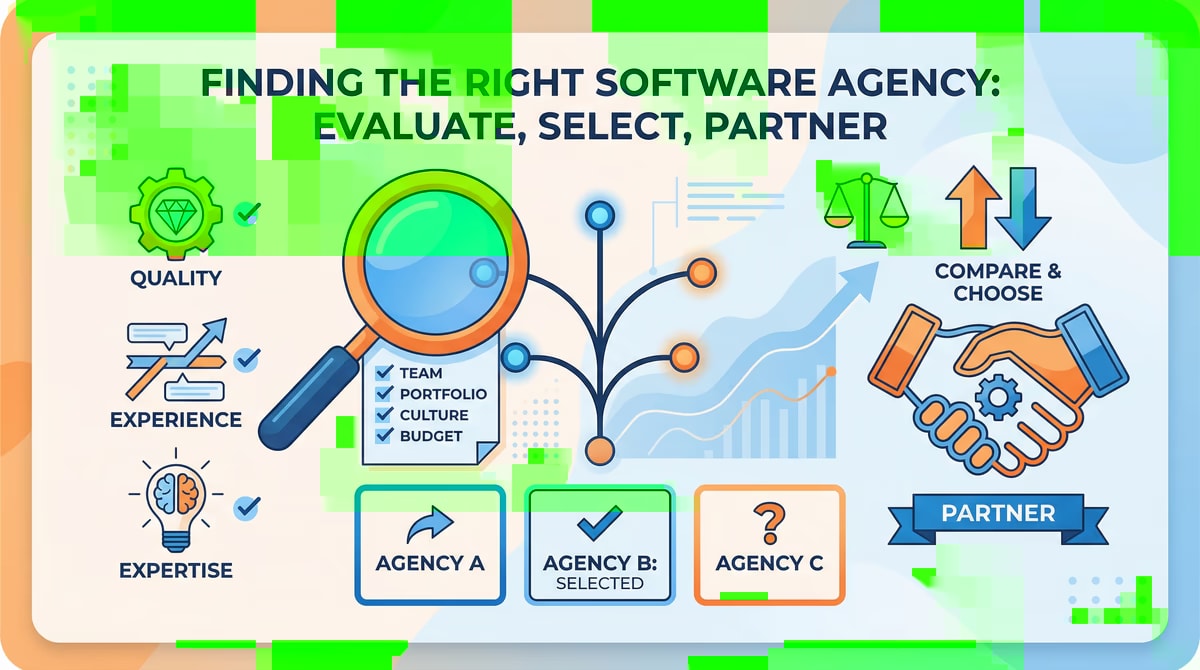
Build developer team vs. commission agency: The right choice for your software project
The decision whether a company builds an internal team for the development of its software or commissions an external agency is of strategic importance. Both models, **Inhouse vs....

Outsourcing Trends 2026: What changes for your business
The world of IT is changing rapidly, and thus also the way companies approach their software development projects. While some companies continue to rely on internal teams, discover...
Nearshore Trends 2026: New markets and developments in IT services
The global IT landscape is undergoing a steady change that forces companies to continuously adapt their business strategies to remain competitive. One of the central...
Free download
Checklist: 10 questions before software development
Key points before you start: budget, timeline, and requirements.
Get the checklist in a consultationRelevant next steps
Related services & solutions
Based on this article's topic, these pages are often the most useful next steps.
Related services
Related solutions
More on Software development and next steps
This article is in the Software development topic. In our blog overview you will find all articles; under category Software development more posts on this subject.
For topics like Software development we offer matching services – from app development and AI integration to legacy modernisation and maintenance. We describe typical use cases under solutions. Our cost calculators give initial estimates. Key terms are in the IT glossary. Books and long-form guides appear on the publications page; deeper articles live under topics.
If you have questions about this article or want a non-binding discussion about your project, you can book a consultation or reach us via contact. We usually respond within one working day.