Accounts Payable: OCR, Approvals & ERP Posting
Automated accounts-payable processing for a mid-sized wholesaler: PDFs and scans are classified, data is extracted, approved against budgets, and posted—with traceable status and less manual rework. Built by Groenewold IT Solutions in East Frisia (Made in Germany).
Accounts Payable: OCR, Approvals & ERP Posting
Automation
The Challenge
Inboxes, paper stacks, and double entry
Invoices arrived through many channels: PDF attachments, scans from the mailroom, and occasionally fax. Finance had to re-check amounts, vendors, and cost centres; mismatches with purchase orders caused back-and-forth.
A standalone OCR tool without approvals and ERP connectivity would only solve part of the problem.
The shared-service team handled sales and purchasing queries in parallel—every manual double entry tied capacity needed for review and reporting. Status lived in email threads, not in a system with clear ownership.
Seasonal goods-receipt peaks doubled invoice volume; without queues and prioritisation, backlogs built although payment terms and cash discounts stayed unchanged.
Compliance and traceability
The client needed clear rules: who may approve up to which amount? which vendors are known? where must deviations from the PO be commented? Every step had to be audit-ready—without overwhelming staff with extra clicks.
Internal audit required traceability from extraction to posting proposal: OCR confidence, approver, resulting ERP transaction. GoBD-compliant storage of original documents was mandatory.
Different tax scenarios and reverse-charge cases must not be posted blindly—exceptions needed visible approval chains with rationale.
API-first between OCR, workflow, and ERP
The ERP offered REST for posting proposals; the bottleneck was upstream—intake, classification, matching, approval. An orchestrated pipeline was needed instead of isolated tools passing data via clipboard or Excel.
The wholesaler did not want a proprietary black box: workers, queues, and audit logs had to be maintainable and plug into existing monitoring. Python services and documented APIs fit better than pure desktop RPA for this document-heavy process.
Integration with purchasing and vendor master was central—invoices without PO reference or quantity variance had to surface early as tasks to purchasing or budget owners, not only at posting.
Our Solution
Screenshots – process automation
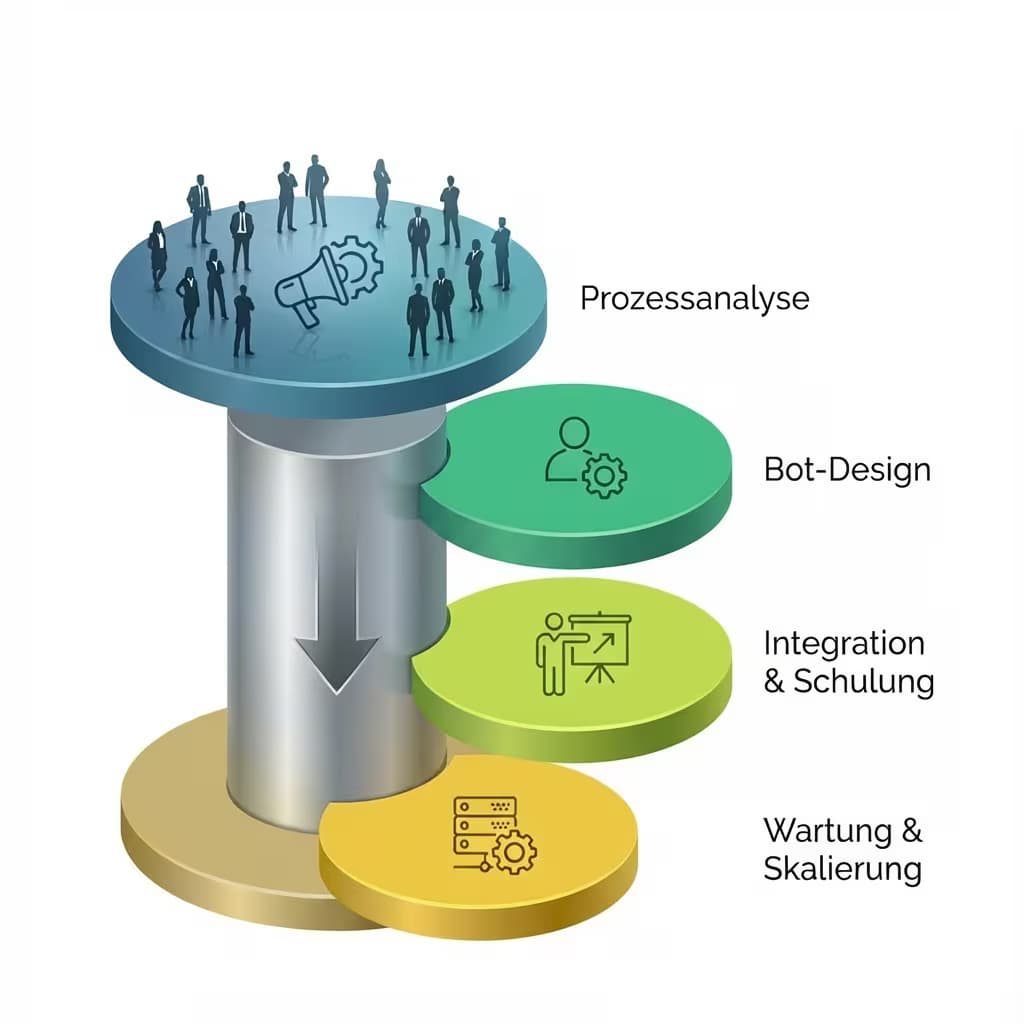
Pipeline from intake to posting proposal
We implemented an orchestrated chain: incoming documents are classified, text and key fields are extracted and matched to master data.
Exceptions route as tasks to defined roles; in the standard case a short approval in a web UI is enough before a posting proposal is handed to the ERP.
The architecture connects process automation with API integration—document-driven but API-first to the ERP. Context also in the RPA vs API integration comparison and the integration topics hub.
“OCR alone was not enough—we needed approvals, PO matching, and ERP in one chain. Now we see status per document instead of searching mailboxes.”
Stable interfaces instead of manual hand-off
ERP connectivity uses documented REST calls and idempotent operations—so retries and batch runs behave safely. Workers process the queue with backoff on transient errors; critical events are written to an audit log for review and support.
Each posting proposal carries an external correlation ID; retries do not create duplicate postings. Failed ERP calls land in a dead-letter queue with IT alert—not silent data loss.
OCR results below confidence threshold go to manual capture with pre-filled fields—clerks correct deviations instead of retyping everything.
Engineering in Germany
Design and delivery were led by Groenewold IT Solutions in Leer/East Frisia: close collaboration with business and IT, a pragmatic MVP, then extensions for additional vendor and tax scenarios.
Training for approval roles and finance ran before go-live; shadow operation with parallel manual checks built trust in extraction and routing rules.
Budget planning is supported by the automation cost calculator; similar projects appear in automation references.
Monitoring, audit, and continuous optimisation
“Audit wants documents and decisions in one trail—that is why we log every step from OCR to ERP without passwords or raw PDFs in plain-text logs.”
Dashboards show cycle time, auto-match rate, and clarification reasons; monthly reviews with purchasing and finance refine matching rules and approval thresholds. Made in Germany—development and operational support from East Frisia.
Results
Less manual capture, faster cycle times
Most invoices flow without duplicate work in finance; questions focus on true exceptions. Status and ownership replace “who last touched the email?” threads.
Cycle times from intake to posting proposal dropped measurably; cash discounts are missed less often. Purchasing gets structured tasks on PO variance instead of unstructured email chains.
The shared-service team gains capacity for analysis and vendor communication—not repeated typing of identical header data.
Reference for document-driven automation
The project shows how recurring document processes can be automated with OCR, workflows, and ERP connectors—while keeping business teams in control.
For wholesale and shared services the pattern transfers: API-first to ERP, human approval on exceptions, audit-ready log. More examples in the automation hub and integration topics.
Long term additional channels (EDI, supplier portal) can attach to the same pipeline—without rebuilding the core.
Technical implementation in detail
Intake, OCR, and master-data matching
Mailbox, upload folder, and scan station feed a common queue. Classification separates invoices from ads and delivery notes; OCR extracts header and line items with confidence scores. Matching with vendor and PO master flags deviations before approval.
Multilingual invoices and special characters in vendor addresses are normalised; duplicate checks prevent processing the same invoice number twice.
Approval workflow and ERP handover
Role-based approvals with amount thresholds and cost-centre ownership run in a lean web UI. After approval the worker creates an idempotent posting proposal via REST; ERP responses update status and audit log.
Rejected or withdrawn approvals stay in the log with rationale—audit sees the decision path without access to production email.
Rollout and lessons learned
MVP, pilot vendors, scale
Start with the ten highest-volume vendors and clear PDF layouts; after a four-week pilot, extension to scans and edge cases. Shadow mode compared OCR fields with manual entry before productive auto-routing.
New tax scenarios were added as rule modules, not one-off code per document—maintainability stayed priority.
Operations and business/IT collaboration
Weekly short reviews with finance and purchasing reduced clarification rate; OCR models were tuned for recurring layouts. IT monitoring alerts on queue backlog or ERP 5xx—not only when discounts expire.
Runbook and escalation documentation sits with Groenewold IT and internal IT—clear split between application support and ERP base.
Features
Feature overview
- Classification and extraction from PDF and scan
- Matching with vendor and purchase-order master data
- Role-based approvals with threshold logic
- Posting proposals handed to the ERP
- Queues, retries, and monitoring
- Audit log of processing steps
- Delivery by Groenewold IT Solutions (Made in Germany)
FAQ
Common questions about OCR-driven ERP invoice automation
What does a typical OCR invoice process into ERP look like?
When do you need workflow and approval logic in addition to OCR?
How can invoice and supplier data error rates be reduced?
Which KPIs show whether invoice automation is successful?
Transparency about this case study
So the statements above can be judged properly, we disclose what kind of project this is, what the results are based on and who reviewed the text. More on our project approach and an overview of all reference projects.
- Case type
- Client project, anonymised or shown under a project name – Real project; company name, industry details or individual figures are generalised at the customer's request.
- Measurement basis
- Comparison of manual invoice capture with the automated run: share of straight-through processed documents and cycle time until approval.
- Measurement period
- Delivery phase and ongoing operations after go-live
- Data source
- The customer's accounting team and logs from the automation pipeline; the project is shown under a project name.
- Scope of the figures
- Figures are rounded and stripped of identifying details; the order of magnitude is preserved.
- Publication status
- Evidence pending in the new approval register
- Approval scope
- The existing anonymised publication remains available; case-specific approval evidence still needs to be recorded in the new register.
- Evidence record
- Internal project file and anonymised reference record.
- Technical review
- Björn Groenewold, Managing Director of Groenewold IT Solutions GmbH and Hyperspace GmbH –
Change history
- Evidence details added to “OCR automation for incoming invoices”: case type, measurement basis, data source and technical review.
- Results and solution description of “OCR automation for incoming invoices” revised; the German version was aligned.
- Case study “OCR automation for incoming invoices” published.
Project Details
Project
 Handelscontor Nord
Completed
Delivery and rollout (reference project)
Technologies
More References
Planning a similar project?
Use our interactive cost calculators for an initial estimate – free and non-binding. Or schedule a consultation directly with our experts.