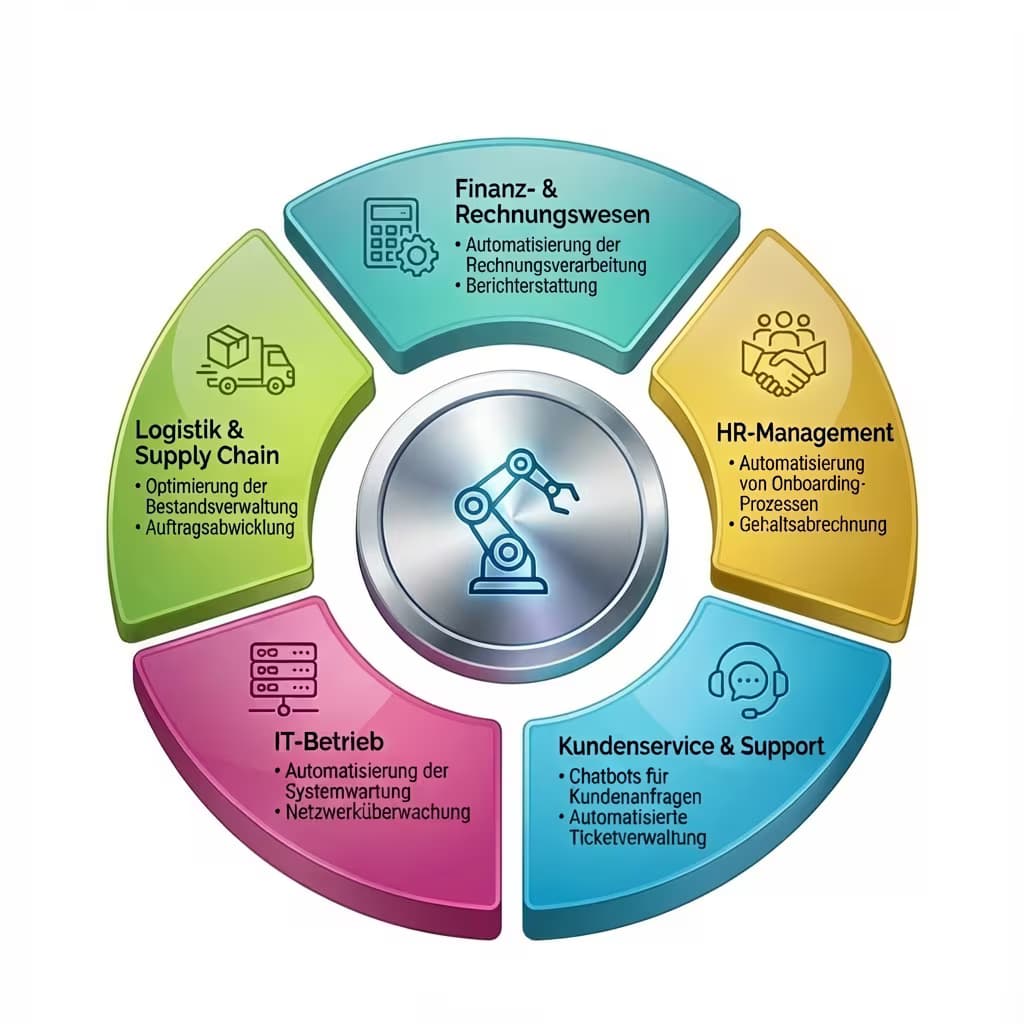
As of: 23 September 2026 · Reading time: 7 min
Key takeaways
- ERP systems such as SAP, Navision or Odoo bundle the central business processes – and at the same time are the source of many manual routine activities.
- Which ERP processes can be automated best, how to proceed and what fall knits there are.
ERP systems such as SAP, Navision or Odoo bundle the central business processes – and at the same time are the source of many manual routine activities. Which ERP processes can be automated best, how to proceed and what fall knits there are.
“Digitalization is not an IT project—it is a business strategy.”
– Björn Groenewold, Managing Director, Groenewold IT Solutions
automate ERP processes: Where the lever is the largest
ERP systems are the backbone of mid-sized firms. SAP Business One, Microsoft Dynamics Navision (Business Central), Odoo, proALPHA, Sage – they manage finance, purchasing, warehouse, production and sales.
At the same time, they are the source of many manual routine activities. Transfer data, create reports, check bookings, maintain master data.
This article shows which ERP processes can be automated especially well, how to prioritise and what to consider when implementing them.
Why ERP automation is often underestimated
Short response: ERP systems such as SAP, Navision or Odoo bundle the central business processes – and at the same time are the source of many manual routine activities.
automating leaders around ERP processes: Where the lever is greatest cost computer: API development, solution: interface chaos, comparison: RPA vs. API integration as well as [system]
Most companies use their ERP system far below their options.
Functions that could automate are either unknown, unconfigured or have been switched off in the introduction phase for the quick go-live.
And around the ERP there are many manual bridges. Excel exports. This are manually inserted into other systems, email reports.
This are manually assembled, data maintenance that happens in several systems in parallel.
The automation potential is so often not in the ERP itself.
However, rather in the ERP interfaces with suppliers, customers, upstream and downstream systems and in the reports and workflows within the system.
Top 7-ERP Processes for Automation
1. Invoicing processing
One of the most common and rewarding automation cases. Input invoices come via e-mail, PDF or EDI – and are manually checked, recorded, released and booked.
Automation approach:
- OCR/AI-assisted extraction of invoice data (Kreditor, amount, date, positions).
- Automatic balance with order (3-way balance: order – receipt of goods – invoice).
- Automatic booking with agreement, escalation with deviation.
- Release workflow with mobile notification.
Tools: ERP-native (e.g. SAP Accounting Workflow), expert solutions (Lexoffice, FastBill, DATEV connection) or AI-based document processing. .ROI: For 200+ invoices/month typically 50–70 % time saving, error reduction by 80–90 %.
2. Dunning and receivable management
Tracking open receivables manually, maintaining dunning levels and sending dunning letters costs time and is still made too late.
Automation approach:
- Automatic examination of overdue receivables daily or hourly.
- Rule-based dunning step up after defined deadlines.
- Automatic generation and dispatch of reminders (by email or post API).
- Escalation to specialists in critical cases or large customers.
Integration: Directly in ERP (SAP Debitors, Navision Mahnwesen) or supplemented by automatization workflows.
ROI: Reduction of DSO (Days Sales Outstanding) by 20–35 % is realistic in well-introduced projects.
3. Order release and disposition
If stocks fall under defined minimum quantities, an order should be automatically triggered – sounds simple, but still runs manually in many factories.
Automation approach:
- Automatic monitoring of stocks against minimum quantities (in ERP or external).
- Rule-based ordering suggestions (quantity, supplier, price).
- Automatic order release under defined value (e.g. < 500 €) with logging.
- Release workflow for orders above threshold.
speciality: Odoo has native functions (reordering rules, automatic ordering) that many companies have not activated.
4. Sales and controlling reports
Monthly reports, which are manually assembled from ERP, BI tool and Excel, bind controlling capacities without added value.
Automation approach:
- Automatic data collection from ERP via API or database query at defined times.
- Consolidation in BI-Tool (Power BI, Tableau, Metabase) or directly in Excel via Python/VBA.
- Automatic mailing of the report to distributor.
- Deviation alarm at defined threshold values (e.g. margin below x %).
5. master data maintenance and data synchronization
If the same company exists in the ERP, in the CRM and in the webshop as a dataset, all changes must be manually redrawn – or inconsistencies arise.
Automation approach:
- Master Data Management Concept: which system is the leading source?
- Bidirectional or unidirectional synchronization via API integration.
- Automatic Dublette Testing for New Equipment.
- Change protocol for compliance and audit.
6. Order confirmations and delivery status
Customers ask by e-mail about the status of their order. Employees check in ERP and respond manually. This can be fully automated. .Automation approach:
- Automatic order confirmation when entering the ERP (e-mail with delivery date).
- Status notification at goods exit (tracking link).
- Self-Service Portal: Customers can request status themselves (webshop integration or dedicated portal).
7. Personnel time recording and wage pre-primary
Time recording data must be transferred to the payroll system at the end of the month – often manually or via Excel export.
Automation approach:
- API integration time recording → wage billing (e.g. DATEV, Lexware, Personio).
- Automatic overtime and absence evaluation.
- Regular shift premiums and supplement calculations.
- Release workflow with leadership approval.
How to prioritize: The automation score
Not all processes can be automated simultaneously. Priority according to these four factors:
| Factor | Review (1–5) |
|---|---|
| Volume (number of cases/month) | 1 = very low, 5 = very high |
| Time effort per case | 1 = minutes, 5 = hours |
| Error rate manual | 1 = rare error, 5 = common |
| Standardizable | 1 = many exceptions, 5 = fully controlled |
Automatization score = volume × time effort × error rate × standardizable
High score = good candidate. Low score despite high effort: process has too many exceptions for meaningful automation.
ERP-native Automation vs. External Tools
What ERP can do already: Many ERP systems have built-in automation functions that are not used. Workflows, automatic bookings, batch jobs, notification rules.
Before buying external tools always check what the ERP itself offers.
Especially Odoo has broad native automation functions (Automated Actions, Scheduled Actions, Workflows) that many companies use too little.
Where external automation helps:
- Connect systems that do not have native connectors.
- More complex logic, which the ERP workflow tool cannot represent.
- Integration with external systems (supplier portals, webshop, payment service providers).
Conclusion
ERP processes automate is one of the most concrete ways to increase efficiency with measurable ROI and manageable projectcopes. The key lies in the right prioritization.
Not the most complex processes first. However, the one with the highest volume and the highest standardisability.
Our team develops automation solutions around ERP systems – from interface development to individual process automation. Contact us if you have a specific process as starting point.
Frequently Asked Questions (FAQ)
Do we need to change the ERP system to be able to automate better?
Rare. Many processes can also be significantly automated with existing ERP systems – by better use of built-in functions and external integration.
An ERP exchange is a large-scale project and should not be driven by automation goals.
What about DATEV integration?
DATEV offers interfaces for many ERP systems (DATEV format, DATEV-Connect Online). Integration is feasible, but proprietary and maintenance-intensive.
For many midsize companies, a tax advisor portal is the more practical alternative.
How does ERP automation become a planned ERP upgrade?
Caution: Automations that access ERP-internal structures directly (DB queries, internal APIs) can break during upgrade. Better: Use API-based integration that survives ERP upgrades, or introduce automation after upgrade.
Can AI improve ERP automation?
Yes, especially for input processing (document extraction), dunning (risk assessment) and disposition (smart order quantity optimization).
AI agents can treat separate exceptions that classical RPA bots cannot cope with.
Technical sources and further links
The following separate references complement the grouping on the topics of this Article:
- Bitkom – Digital Economy Association.
- BSI – Federal Office for Information Security.
- European Commission – Digital Strategy.
- MDN Web Docs (Mozilla)
- W3C – World Wide Web Consortium.
"Mobile apps need not only UX but also clear offline and security concepts; otherwise, trust and acceptance in the area suffers."
— *Björn Groenewold, Managing Director, Groenewold IT Solutions *
About the author

Managing Director of Groenewold IT Solutions GmbH and Hyperspace GmbH
Since 2009 Björn Groenewold has been developing software solutions for the mid-market. He is Managing Director of Groenewold IT Solutions GmbH (founded 2010) and Hyperspace GmbH. As founder of Groenewold IT Solutions he has successfully supported more than 250 projects – from legacy modernisation to AI integration.
Blog recommendations
Related articles
These posts might also interest you.
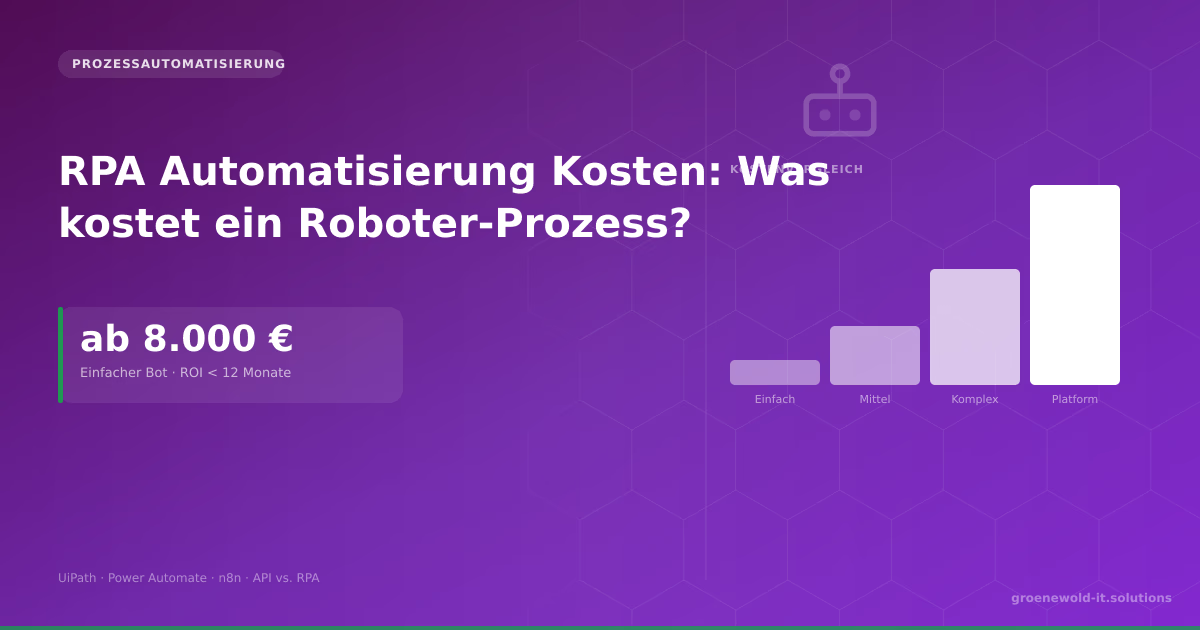
RPA Automation Costs: What Does a Robotic Process Cost for Mid-Sized Businesses?
A simple RPA tray costs 8,000 to 20,000 €. This article shows cost drivers, ROI calculation, comparison RPA vs. API integration and when automation is really worth it.

Process Automation in Mid-Sized Businesses: Where RPA Really Saves Money
RPA promises a lot. What it really does, where the boundaries lie and what processes in mid-sized businesses deliver the highest ROI – with concrete figures and practical examples.

RPA vs. Custom Software: Which Approach Fits Your Automation Project?
RPA or customized software integration? Both can automate processes – but with very different costs, risks and long-term implications. A decision-making aid for SMEs.
Free download
Checklist: 10 questions before software development
Key points before you start: budget, timeline, and requirements.
Get the checklist in a consultationRelevant next steps
Related services & solutions
Based on this article's topic, these pages are often the most useful next steps.
Related solutions
Related comparison
Cost calculators
Practical next steps after Automating ERP Processes: Where the Biggest Lever Is
Automating ERP Processes: Where the Biggest Lever Is addresses a practical choice for product and IT teams. Start with one clear goal: select and adapt an ERP setup around real workflows instead of generic feature lists.
Check the current process, the data involved, and the result users need. Then record the main risks and define a small first step. This keeps the decision easy to review and gives your team a shared basis.
For implementation support, our Odoo ERP consulting and development connects the article's guidance with architecture, delivery, and stable operations. Engineering and project ownership stay with our team in Leer, Germany.
This post belongs to Automatisierung. Browse the related Automatisierung articles or use the English software blog for other topics.
When budget is the next question, the software cost calculators provide planning ranges. The IT glossary explains key terms, while in-depth technology guides cover wider decisions.
If the topic affects a live project, book a technical consultation or send the context through our project contact form. We usually reply within one working day.