
As of: 23 September 2026 · Reading time: 6 min
Key takeaways
- Cloud migration sounds easier than it is.
- Who realistically assesses costs, risks and schedules saves expensive surprises.
- This article shows which factors are driving the effort, which is often forgotten – and how to complete the project on time.
Cloud migration sounds easier than it is. Who realistically assesses costs, risks and schedules saves expensive surprises. This article shows which factors are driving the effort, which is often forgotten – and how to complete the project on time.
“Digitalization is not an IT project—it is a business strategy.”
– Björn Groenewold, Managing Director, Groenewold IT Solutions
Cloud Migration: Costs, Risks and Schedule Plan realistically
Short: Cloud migration is on the agenda of many midsize IT departments.
Cloud migration is on the agenda of many midsize IT departments. Promises are known: lower operating costs, higher scalability, more modern development platforms. The reality is more differentiated.
Projects estimated at three months often last one year. Cost savings do not automatically adjust.
And whoever shifts legacy systems into the cloud without modernizing them gets the same problems with higher invoice.
This article gives a realistic grouping – for leaders who put facts instead of promises.
What cloud migration really means: The seven strategies
Short response: Cloud migration sounds easier than it is.
Who plans Cloud Migration. Costs, Risks and Schedule realistically from idea to rollout, will find cost calculator. Legacy-Modernization, Solution. Legacy abbau, Comparison. Monolith vs. Microservices.
This also covers legacy code analysis in 5 days suitable entry on our website.
Not all cloud migrations are the same. McKinsey and Gartner describe seven basic strategies (the "7 R's") that bring very different challenges and risks:
| Strategy | Description | Exercise | Benefit |
|---|---|---|---|
| Retire | Remove application | Minimum | Cost saving by omission |
| Retain | On-Premise leave | Minimum | No change |
| Rehost (Lift & Shift) | Move VM to Cloud | Low | Operation Room to adapt |
| Relocate | Move container in cloud | Low–Means | Portability |
| Repurchase | Replace with SaaS solution | Medium | Modernization |
| Replatform | With small adjustments in Cloud | Medium–High | Partial modernization |
| Refactor/Re-architect | Developing for Cloud | High | Full Cloud Benefits |
The most common beginners mistake: "We migrate into the cloud". Often means Rehost – but promises the benefits of Refactor.
This is the starting point for many disappointed cloud projects.
What a cloud migration really costs
The cost calculation of a cloud migration has two pages: migration costs and running cloud operating costs.
Some migration costs:
| Cost block | Driver |
|---|---|
| Planning and Assessment | Inventory, Dependency Review, Target Architecture |
| Technical Migration | Rehosting, Replating or Refactoring per Application |
| Testing | Functional, integration, load and safety tests |
| Data migration | Volume, format, quality control |
| Parallel operation | Costs for old + new system during transfer |
| Unforeseen | Experience value: 20–30 % Buffer schedule |
Orientation values for mid-sized firms:
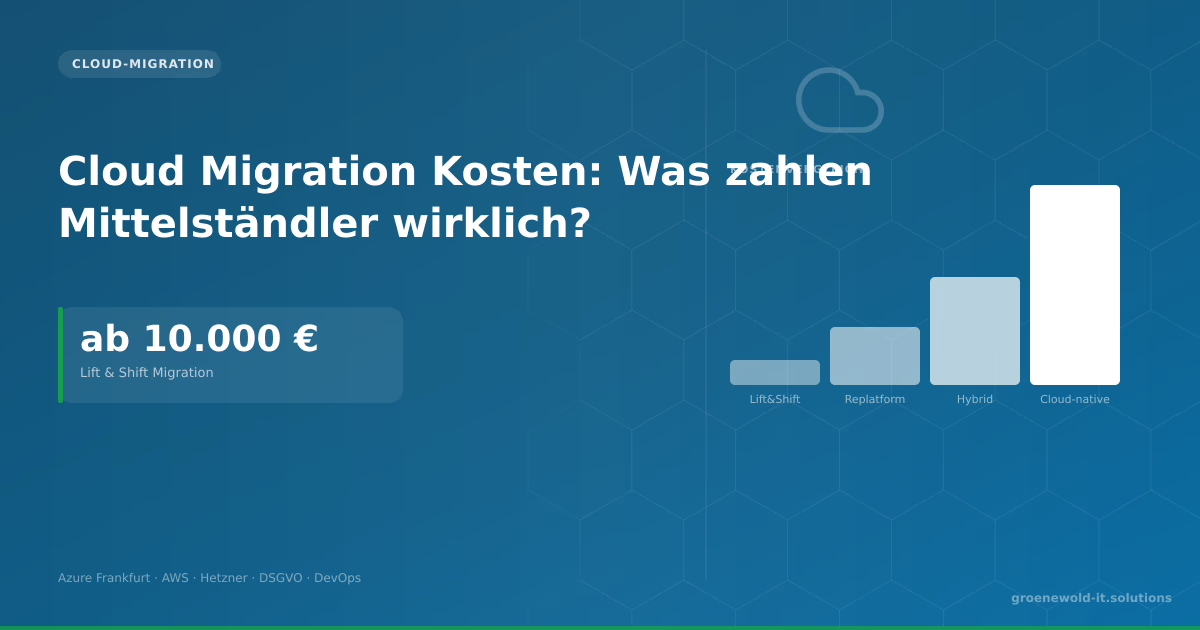
- Rehost of 5–10 VMs: 20,000–60,000 €.
- Replatforming an average application: 50,000–150.000 €.
- Complete re-architecture of a business application: €150,000–500.000+.
Building cloud costs: The most common miscalculation
Many companies compare on-premise writedowns with cloud usage costs. That's wrong.
Compare the Total Cost of Ownership – including electricity, cooling, maintenance, space, hardware renewal, IT personnel for on-premise vs. cloud usage, support contracts, egress costs (move data from the cloud) and license adjustments.
Cloud can be cheaper – but not automatically.
Anyone who pushes an on-premise application into the cloud as a lift-&-shift and continues to run as before pays typically 20–40 % more than on-premise.
Hidden risks that make projects fail
Unknown dependencies. In grown IT landscapes there are more undocumented connections between systems than anyone suspected. A dependency review before migration is not a guarantee, but a duty.
Legacy systems without API.
Older applications that communicate directly at database level or use proprietary protocols cannot simply be moved to the cloud.
Legacy-Modernization is often a needed parallel path.
Data migration underestimates. Large amounts of data, poor data quality and complex transformations make data migration the often underestimated discipline.
Anyone who calculates "we copy the database" underestimates the cleaning, validation and reconstruction of relationships.
Compliance and privacy. Where are the cloud regions? What personal data are stored? GDPR needs, operating arrangements and industry regulation must be clarified before migration – not afterwards.
Network latency. Applications that responded very quickly on-premise with local database can become noticeably slower after cloud migration through network latencies – especially with high DB traffic.
Lock-in risk. Anyone who invests deeply in proprietary cloud services of a provider (AWS, Azure, GCP) restricts later options of change. Think about portability strategy from the beginning.
Realistic schedule: What happens when
A typical cloud migration schedule for a midsize company with 10–30 applications:
Phase 1: Assessment (4–8 weeks)
- Application inventory
- Dependency review
- Cost modelling (on-premise vs. Cloud)- Target architecture per application (strategy: Rehost / Replatform / Refactor).
- Migration priority
Phase 2: Pilot Migration (4–8 weeks)
- migrate 1–2 uncritical applications
- Establishing processes and tools
- School team
- Using experiences for the main rollout.
Phase 3: Main Migration (3–12 months)
- Prioritized applications migrate into waves.
- parallel operation and acceptance tests.
- Turn off old systems
Phase 4: Optimization (running)
- Improve costs (Rightsizing, Reserved Instances).
- Improve monitoring and alerting
- Strengthen security architecture
Total project for a typical midsize company: 8–18 months, realistic rather at the top when legacy systems are affected.
Cloud Migration and Software Development
Short: Anyone who also modernizes applications or develops new applications during a cloud migration should coordinate the projects – not as separate silos.
Anyone who also modernizes applications or develops new applications during a cloud migration should coordinate the projects – not as separate silos. Individual software development to make cloud-native (container, microservices, infrastructure-as-code) pays off in the long term.
However, initially costs more.
New interface development is often needed to connect on-premise systems that run parallel to cloud-based applications. This integration layer is often underestimated.
Conclusion
Cloud migration is worthwhile if it is planned with realistic effort, clear strategy and matching timing.
Lift-&-Shift is the fastest way to the cloud, but brings the least benefits. Re-architecture is complex, but provides the greatest savings and room to adapt gains in the long term.
Our team accompanies cloud migration projects from hosting and cloud consulting through technical rollout to cloud migration – with the claim that in the end not only the systems are running in the cloud.
However, the operation is more efficient than before.
Frequently Asked Questions (FAQ)
Which cloud provider is the right one for German mid-sized businesses?
AWS, Azure and GCP provide all German data centers. Important are: existing Microsoft licensing (speaks for Azure), existing developer expertise, specific services and compliance needs.
There is no universally correct answer.
Do you have to go completely into the cloud, or are there alternatives?
Hybrid cloud architectures – part on-premise, part cloud – are the pragmatic solution for many midsize companies.
Not everything has to go to the cloud, just what it benefits.
What about GDPR and cloud?
All three major cloud providers have EU data protection guarantees (SCC, data processing agreements) and EU regions.
With especially sensitive data, a German data center or a sovereign cloud option (e.g. GAIA-X-compatible provider) can be useful.
Can we continue working during migration?
Yes – with parallel operation and phase shift. A big boom change (all at once) is almost always too risky for productive systems.
Stepwise migration with fallback option is standard.
Technical sources and further links
The following separate references complement the grouping on the topics of this Article:
- Bitkom – Digital Economy Association.
- BSI – Federal Office for Information Security.
- European Commission – Digital Strategy.
- MDN Web Docs (Mozilla)
- W3C – World Wide Web Consortium.
"APIs are the backbone of modern software: If you stabilize interfaces late, you will pay with double integration work."
— *Björn Groenewold, Managing Director, Groenewold IT Solutions *
About the author

Managing Director of Groenewold IT Solutions GmbH and Hyperspace GmbH
Since 2009 Björn Groenewold has been developing software solutions for the mid-market. He is Managing Director of Groenewold IT Solutions GmbH (founded 2010) and Hyperspace GmbH. As founder of Groenewold IT Solutions he has successfully supported more than 250 projects – from legacy modernisation to AI integration.
Blog recommendations
Related articles
These posts might also interest you.
Cloud Migration Costs: What do SMEs really pay?
Cloud Migration costs €10,000 to €150,000. Lift & Shift is cheap but not optimal. This article explains the four migration approaches, running cloud costs and which provider fits German mid-sized…

On-Premise vs. Cloud: Decision Guide for Mid-Sized Companies
On-premise or cloud? The answer depends on factors lacking in many comparisons: data volume, compliance requirements, utilisation patterns, personnel costs, growth path. This contribution provides a…

Cloud Migration Step by Step: How to Switch Without Outages
Cloud migrations rarely fail in technology – more often in lack of preparation, undocumented dependencies and lack of rollback strategy. A practical step-by-step guide that prevents failures.
Free download
Checklist: 10 questions before software development
Key points before you start: budget, timeline, and requirements.
Get the checklist in a consultationRelevant next steps
Related services & solutions
Based on this article's topic, these pages are often the most useful next steps.
Related services
Related solutions
Related comparison
Cost calculators
Practical next steps after Cloud Migration: Costs, Risks and Schedule
Cloud Migration: Costs, Risks and Schedule addresses a practical choice for product and IT teams. Start with one clear goal: reduce legacy risk in controlled steps while daily work and key data remain available.
Check the current process, the data involved, and the result users need. Then record the main risks and define a small first step. This keeps the decision easy to review and gives your team a shared basis.
For implementation support, our legacy software modernization connects the article's guidance with architecture, delivery, and stable operations. Engineering and project ownership stay with our team in Leer, Germany.
This post belongs to Cloud-Migration. Browse the related Cloud-Migration articles or use the English software blog for other topics.
When budget is the next question, the software cost calculators provide planning ranges. The IT glossary explains key terms, while in-depth technology guides cover wider decisions.
If the topic affects a live project, book a technical consultation or send the context through our project contact form. We usually reply within one working day.