As of: 23 September 2026 · Reading time: 4 min
Key takeaways
- In today's digital landscape, the agility and scalability of business applications is crucial for success.
- More and more companies recognize the advantages that shift their...
In today's digital landscape, the agility and scalability of business applications is crucial for success. More and more companies recognize the advantages that shift their...
“Good software is not an accident—it comes from a structured development process with clear quality standards.”
– Björn Groenewold, Managing Director, Groenewold IT Solutions
In today's digital landscape, the agility and scalability of business applications is crucial for success.
More and more companies recognize the benefits that bring their software and IT infrastructure to the cloud.
But what exactly does a Software migration mean in the cloud and what steps are needed for successful rollout?
This article highlights the key aspects of cloud migration and shows how companies can benefit from it.
What is a cloud migration?
In today's digital landscape, the agility and scalability of business applications is crucial for success.
Leaders exploring Cloud Migration: Move Software to Cloud can use Legacy Modernisation, Cost Calculator: Legacy Modernisation, Solution: Legacy Reduction sowie Monolith vs. Microservices as structured entry points.
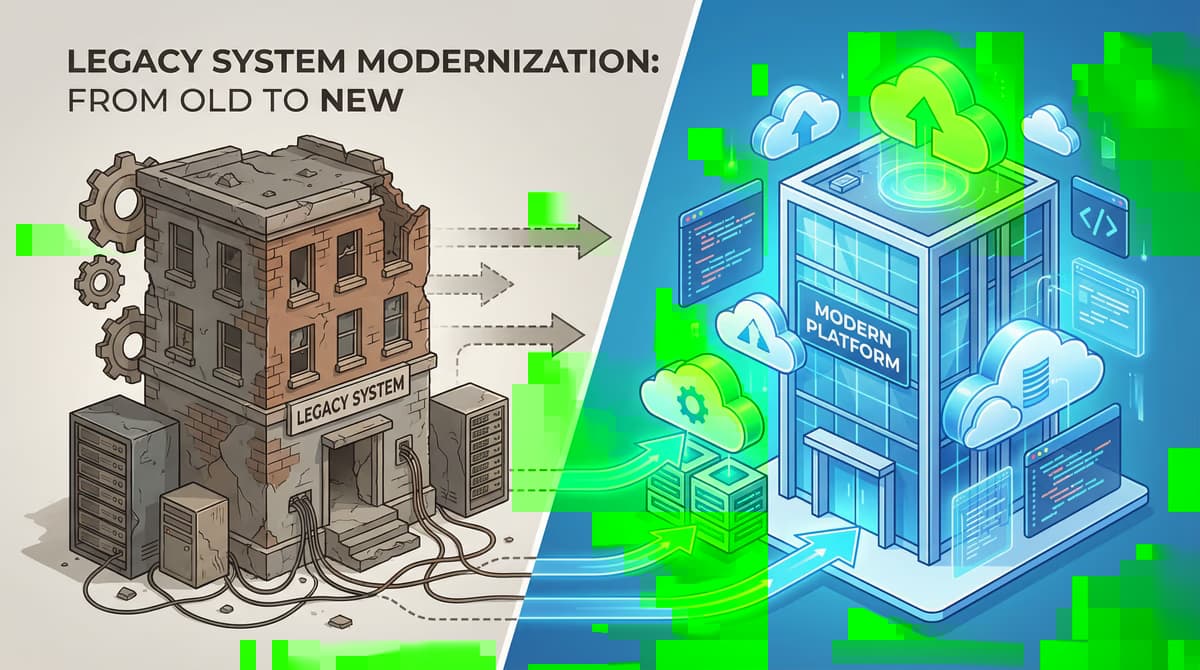
Cloud migration means the process in which digital assets of a company – such as data, applications and IT resources – are moved from a local data center (on-premise) to a cloud environment.
This step allows companies to benefit from the room to adapt, scalability and cost efficiency of the cloud.
The driving forces behind the cloud migration
The decision for a cloud migration is often driven by a combination of business and technical needs. The most common motives include:
- Cost savings: Due to the elimination of investments in expensive hardware and their maintenance, operating costs can be significantly reduced.
- Scalability and room to adapt: Cloud resources can be quickly and easily adjusted as needed, allowing a flexible response to market needs.
- Improved collaboration: Cloud-based applications promote team collaboration across different locations.
- Increased security: Leading cloud providers invest massively in security measures that often go beyond the options of custom companies.
- Automatic updates: Software updates and security patches are usually automatically played by the provider, which reduces internal IT needs.
Strategies for successful software migration
Short: Careful planning is the key to a successful Software migration .
Careful planning is the key to a successful Software migration. There are different strategies that are used according to the specific needs and goals of a company.
The most famous are the "7 Rs of cloud migration":
| Strategy | Description |
|---|---|
| Rehost | Also known as "Lift and Shift". Applications are moved to the cloud without changes. |
| Relocate | Similar to Rehost, but for larger environments like VMware clusters. |
| Replatform | Applications are migrated into the cloud with slight adjustments to benefit from cloud functions. |
| Refactor | Applications are fundamentally reworked or rewritten to optimally use the cloud-native architecture. |
| Repurchase Change from an existing application to a new, cloud-based solution (SaaS). | |
| Retire |
Method note: External statistics refer to published industry and official data (Bitkom, Destatis) where not otherwise attributed. Company-specific figures: Groenewold IT, 2026.
References and further reading
The following separate references complement the topics in this article:
- Bitkom – German digital industry association.
- German Federal Office for Information Security (BSI).
- European Commission – Digital strategy.
- MDN Web Docs (Mozilla)
- W3C – World Wide Web Consortium.
"Cloud-native only pays off when operations, security, and cost model match the architecture—otherwise you ship complexity faster."
— Björn Groenewold, Managing Director, Groenewold IT Solutions
Frequently Asked Questions (FAQ)
What is this article about: “Cloud Migration: Move Software to Cloud”?
Here we cover Cloud Migration. Move Software to Cloud — focused on architecture, process, and business outcomes. In short.
In today's digital landscape, the agility and scalability of business applications is crucial for success. More and more companies recognize the benefits that shift their...
Who benefits most from the content described here?
Typical readers are business and IT leaders in Software development who want to secure quality, security, and ease of upkeep over the long term.
How does this topic fit into an IT or digital strategy?
In a digital strategy, prioritize stable core processes first, then extensions. See also professional software development and consulting.
For multi-system landscapes, IT consulting and architecture helps align vendors and internal teams.
What are sensible next steps if we need support?
If you need support with design, delivery, or modernization: schedule an appointment or outline your project via contact.
About the author

Managing Director of Groenewold IT Solutions GmbH and Hyperspace GmbH
Since 2009 Björn Groenewold has been developing software solutions for the mid-market. He is Managing Director of Groenewold IT Solutions GmbH (founded 2010) and Hyperspace GmbH. As founder of Groenewold IT Solutions he has successfully supported more than 250 projects – from legacy modernisation to AI integration.
Blog recommendations
Related articles
These posts might also interest you.

Secure enterprise knowledge: Methods and tools for knowledge preservation
In today's dynamic business world, the knowledge that is in the minds of your employees is one of your most valuable resources. But what happens when this knowledge blows the company...
Technical debt communicating: How to convince management
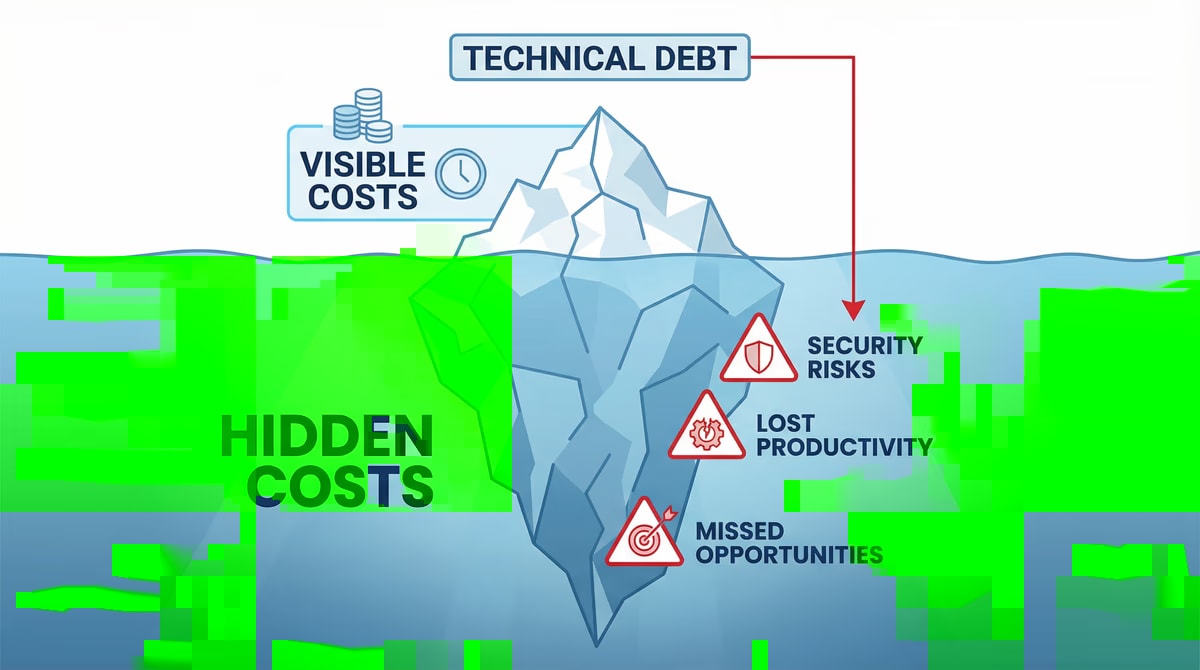
Technical debt – a term that can often be heard in IT departments, but in management can provide questioning views. Similar to financial debt, technical debt can also be...

ETL processes: extract and combine data from silos
In today's data-driven business world, information is the life elixir of each company. But too often these valuable data are trapped in isolated systems, so-called...
Free download
Checklist: 10 questions before software development
Key points before you start: budget, timeline, and requirements.
Get the checklist in a consultationRelevant next steps
Related services & solutions
Based on this article's topic, these pages are often the most useful next steps.
Related services
Related solutions
Related comparison
Cost calculators
Practical next steps after Cloud Migration: Move Software to Cloud
Cloud Migration: Move Software to Cloud addresses a practical choice for product and IT teams. Start with one clear goal: reduce legacy risk in controlled steps while daily work and key data remain available.
Check the current process, the data involved, and the result users need. Then record the main risks and define a small first step. This keeps the decision easy to review and gives your team a shared basis.
For implementation support, our legacy software modernization connects the article's guidance with architecture, delivery, and stable operations. Engineering and project ownership stay with our team in Leer, Germany.
This post belongs to Software development. Browse the related Software development articles or use the English software blog for other topics.
When budget is the next question, the software cost calculators provide planning ranges. The IT glossary explains key terms, while in-depth technology guides cover wider decisions.
If the topic affects a live project, book a technical consultation or send the context through our project contact form. We usually reply within one working day.