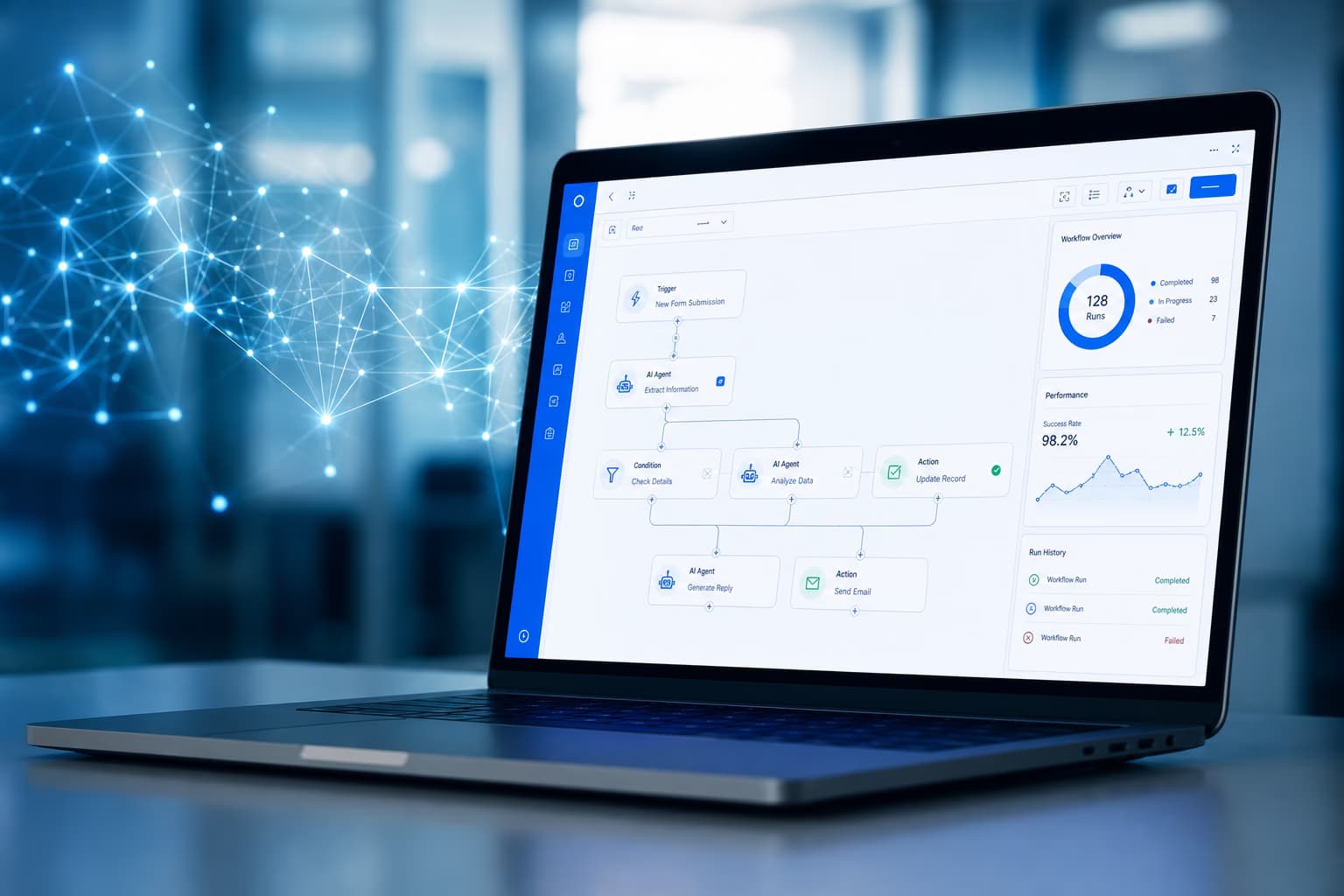



AI automation – workflow with LLM agent, RPA bots and API nodes for intelligent business process automation

AI Automation: Automate processes with artificial intelligence

We use AI to automate repetitive tasks: document processing, classification, chatbots and intelligent workflows.

AI Automation

Where AI automation helps

AI can handle repetitive tasks: data from documents, ticket classification, FAQs, or next steps in workflows. We use proven tech (OCR, NLP, LLMs) and plug it into your processes. You get real relief for your team and faster, consistent results. Clear scope, no hype.

  • Document processing and data extraction
  • Ticket and email classification
  • Chatbots and FAQ automation
  • Workflow suggestions and decision support
  • Integration with your existing systems

AI Automation: examples, tools and workflows

Before investing in AI, a clear distinction helps: classic workflow automation is enough when processes are rule-based and data is structured – such as approvals, notifications or data transfers. AI automation pays off once unstructured data (text, documents, images), classification or language understanding is involved. Often the combination is strongest: a workflow automation drives the flow, while AI makes the intelligent decision at the right points.

The overview below maps typical AI automation examples by use case, tool class, integration effort and benefit – a starting point to prioritize how you automate processes with AI (AI workflow automation):

Use caseTool classIntegration effortBenefit
Document processingOCR + NLP / document modelsMedium (ERP integration)60–80% less capture time
Email routingClassification model + workflowLow to mediumFaster response, less misrouting
Lead scoringML model + CRM workflowMedium (CRM data)Higher sales conversion
Standard inquiriesLLM chatbot + escalationMediumService relief, shorter wait times
No-code workflowsn8n, Make, Power AutomateLowQuick wins without classic development

For implementation we combine the right tools: n8n workflows (self-hosted, GDPR-sensitive), Make automation (visual scenarios), Power Automate (Microsoft 365) and – where autonomous steps make sense – AI agents. Intelligent automation and business process automation AI combine rule-based flows with LLM decisions; AI agents automation extends that to multi-step tasks with human approval at critical points. Which platform fits is shown in the comparison n8n vs Zapier vs Make.

AI pays off where repeatable decisions are documented—without training data and feedback loops every model stays an expensive demo.

Björn Groenewold, CEO, Groenewold IT Solutions
Thorsten Frieling

Turn AI automation from ideas into a sequenced pilot

If the use cases in this overview match your processes, the next step is to align data boundaries, integration points and a realistic first release. A short, non-binding call is usually enough to define a pilot that your team can operate—and to connect it with how we deliver AI and integration work in practice.

Thorsten FrielingProject management

Frequently Asked Questions

AI Automation

Scope, Cost & Data

What can be automated with AI?

Document processing, ticket classification, chatbots, workflow suggestions and decision support. We integrate with your existing systems so automation fits your processes.

How much does AI automation cost?

Pilot projects from around €15,000 excl. VAT; larger rollouts depend on volume and integration. We give a quote after a short assessment.

Do we need to send data to external AI?

No. We use RAG and optional on-premise or EU-hosted models so your data stays under your control and GDPR-compliant.

How long until we see results?

First use cases often go live within 2–4 months. We work in iterations so you see value early and can scale step by step.

Björn Groenewold – Geschäftsführer Groenewold IT Solutions

Discuss AI automation

We give a quote after a short assessment.

Solution: ki automatisierung

Björn Groenewold – Managing Director, Groenewold IT Solutions
A ki automatisierung solution only pays off when processes, roles, and integrations are end-to-end—not another silo.
Björn GroenewoldDipl. Inf.Managing Director · Groenewold IT Solutions

Faster Clarity

Let's sort out scope, risks, and quick wins.

Ideal when you need to make decisions fast – without months of groundwork.

30 min strategy call – 100% free & non-binding