
System Integration – references from ERP, CRM and interfaces
Here you'll find selected case studies on system integration: from API orchestration and multi-system platforms to interface development – built in East Frisia, Made in Germany.
What we integrate
Connect systems, keep data consistent
Grown IT landscapes consist of many isolated solutions. We connect ERP, CRM and shop via interfaces so that master data, documents and stock stay consistent without double entry.
ERP, CRM & shop connectivity
Connect existing systems so documents, master data and stock levels stay consistent without double entry.
To the serviceAPI & interface development
REST, webhook and batch interfaces with stable handovers, error handling and monitoring.
To the serviceProcess & data-flow automation
Automate data flows between channels and departments — with queues, rules and traceable logs.
To the serviceReference projects
Eight case studies from integration practice
From interface development and connecting automation workflows to integrating legacy systems — these projects show how systems work together reliably.

API orchestration for e-commerce & ERP
Central orchestration of interfaces between shop, ERP and logistics — orders, stock and status run through a reliable, monitored data flow.
Related: API Integration
Highlights:
Technologies:
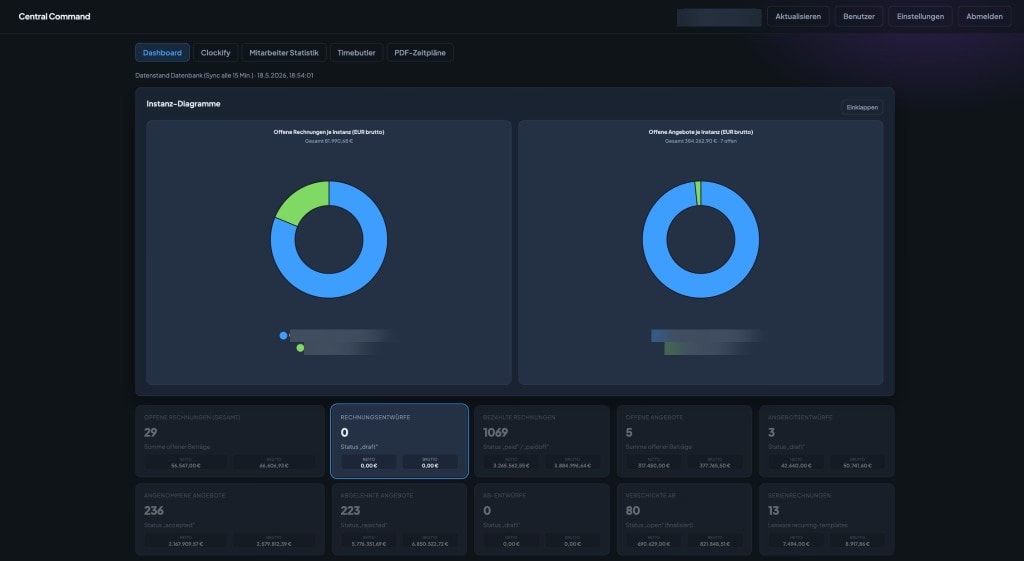
Central Command – Lexware, Clockify & Timebutler
Accounting, time tracking and staff planning in one interface: open documents, booked hours and absences from three systems without constant tool switching.
Related: Software Development
Highlights:
Technologies:

Accounts payable: OCR, approval & ERP
PDFs and scans are recognized, data is extracted, approved and handed over to the ERP — with queues, approval workflows and an audit-proof log.
Related: ERP Implementation
Highlights:
Technologies:
Sales: lead routing & CRM
Inquiries from website, campaigns and partner portal are normalized, routed by rules and stored in the CRM without duplicates — including notifications and SLA monitoring.
Related: API Integration
Highlights:
Technologies:
Delphi editorial plan: subscription status synced with shop & CRM
Secure jobs connect Delphi title planning with the web shop and CRM — delivery lists and addresses stay consistent without replacing the core system.
Related: References: Legacy Modernization
Highlights:
Technologies:

Delphi scheduling: fleet API & offline sync
A REST interface connects the Delphi scheduling tool to a fleet provider. A local queue covers radio dead zones while planning and field status remain consistent.
Related: API Integration
Highlights:
Technologies:
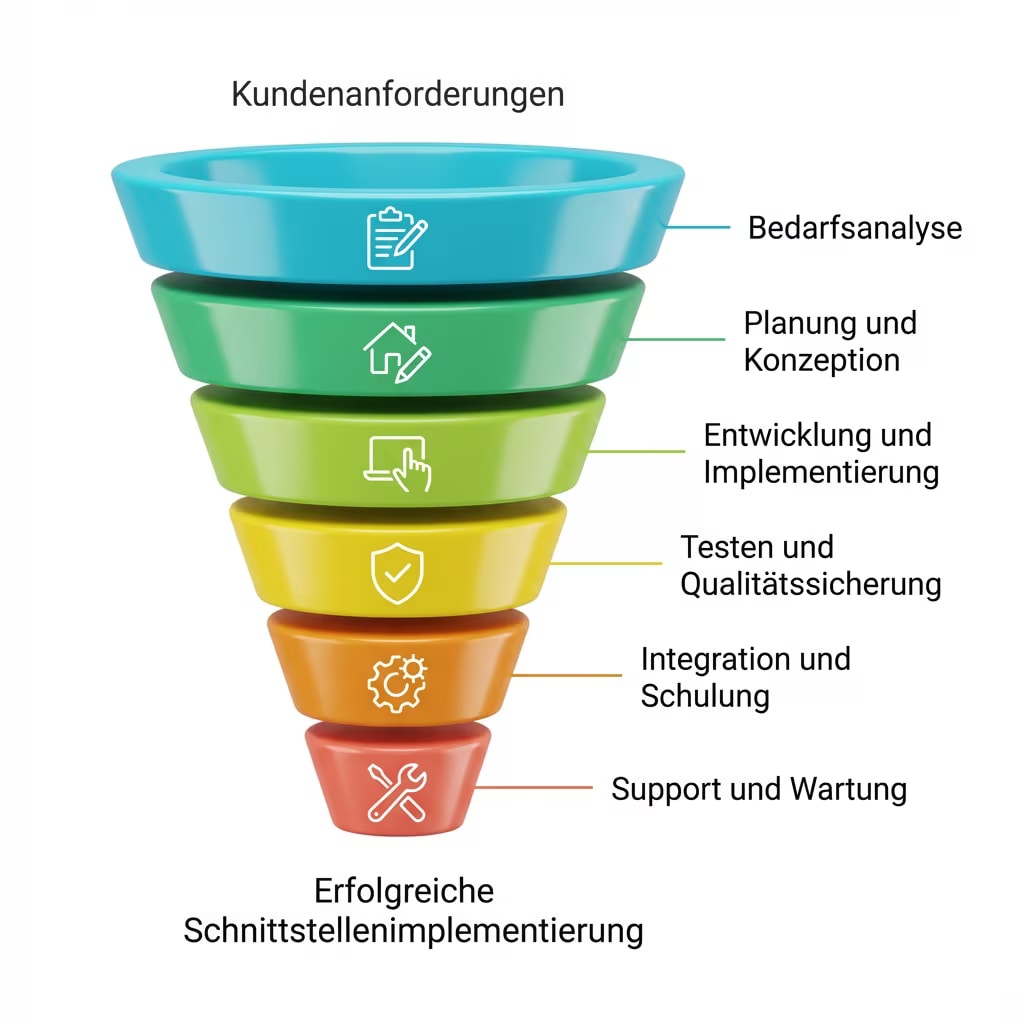
Lead enrichment & CRM sync with n8n & UiPath
n8n collects, enriches and scores leads. UiPath syncs with a desktop CRM without an open API and pulls reports back — up-to-date data without manual maintenance.
Related: References: Automation
Highlights:
Technologies:
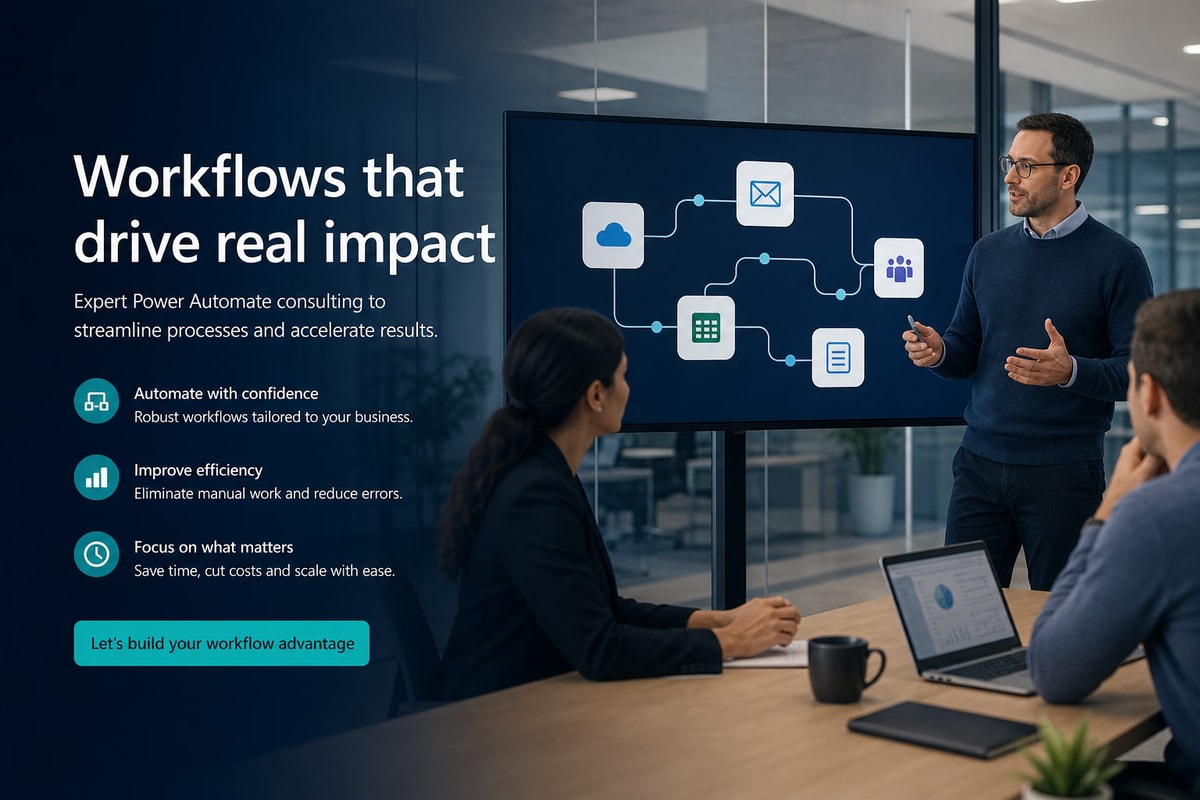
Reporting & master data sync with n8n & UiPath
n8n orchestrates schedule and API sources. UiPath fetches raw data from bank and supplier portals without an API and writes corrected master data back — consistent across all systems.
Related: References: Automation
Highlights:
Technologies:

Become our next success story
Tell us about your initiative. In a direct conversation, we map relevant references, architecture and economic levers. You receive strategy, technology and next steps from one partner – Made in Germany in Leer, East Frisia.
Björn Groenewold – Managing Director
Why clean system integration decides project success
Short answer for decision-makers: When systems don't work together cleanly, you get double entry, duplicates and outdated stock. Our references show how ERP, CRM, shop and legacy systems can be connected via stable interfaces — developed in East Frisia, Made in Germany.
Typical starting points
We frequently see three starting points:
- Orders transferred manually between a shop and ERP.
- Leads from several channels without a unified custom CRM solution.
- Valuable legacy data without a modern API interface.
The consequences are more than extra work: rising error rates, duplicate records and latency until stock or status is current. A continuous data flow with clear handovers addresses exactly these media breaks.
Our approach
We separate connection, validation, handover and operations into traceable steps. Where APIs exist, we rely on clean interfaces; where they don't, we add RPA — see the RPA vs. API integration comparison.
Beyond these references, find more context under all references, in the system integration cost overview and via the contact form.
Plan your integration
Choose the entry point that fits your phase — a consultation, cost research or a written inquiry.
FAQ
Frequently asked questions about system integration references
Approach & cost-effectiveness
What do these integration references say about how you work?
When is real integration worth more than manual export/import?
Real integration pays off when several systems maintain the same data or processes need current stock and master data.
We start with a clearly scoped data flow, measure errors and effort, and only then expand. This keeps the budget controllable.
How do I weigh API integration against RPA?
Technology & operations
Which systems do you typically connect?
We work vendor-neutrally via REST APIs, webhooks, batch files and — where needed — RPA.
In the references we connected ERP, CRM and shop systems as well as Lexware, Clockify and Timebutler. Specific vendors are clarified under NDA; the goal is always a stable interface that respects your existing landscape.
How do you handle errors, retries and monitoring?
Integration needs operational logic: queues, retries for temporary failures, notifications to owners and dashboards or logs for IT operations.
This lets you see whether records get stuck before the business notices — a core point of all reference descriptions.
Can legacy systems without a modern API be integrated too?
Transparency about these reference projects
This page puts results from different types of projects side by side. So the figures can be judged properly, we disclose which case types appear here, what the statements are based on and who reviewed them. How we plan, measure and sign off projects is described in our project approach.
Case types in this list
- Client project with a named customer: Customer, delivery and timeline are real; the publication scope is documented in the reference record.
- Client project, anonymised or shown under a project name: Real project; company name, industry details or individual figures are generalised at the customer's request.
- In-house product built by Groenewold IT Solutions: Product developed in-house: operations, metrics and roadmap are entirely ours.
- Illustrative scenario case study – not a named client project: Model-based depiction drawn from comparable projects. The figures are calculated, not measured at a named customer.
Which type applies to a given project is stated on its detail page in the section “Transparency about this case study”.
- Results methodology
- Throughput, error rate and synchronisation time figures come from interface monitoring in production, measured over at least one full billing period.
- Data source
- Middleware and API logs, error evaluations from operations and reviews with the customers' system owners.
- Scope of the figures
- Values depend on the third-party systems involved and their interface limits; figures from third parties are not independently verified by us.
- Technical review
- Björn Groenewold, Managing Director of Groenewold IT Solutions GmbH and Hyperspace GmbH –
Change history
- Monitoring basis for the throughput and error figures of the integration projects described.
- Project descriptions and result statements in the integration references revised and aligned with the German version.
- Page for the integration references published in its current structure.