
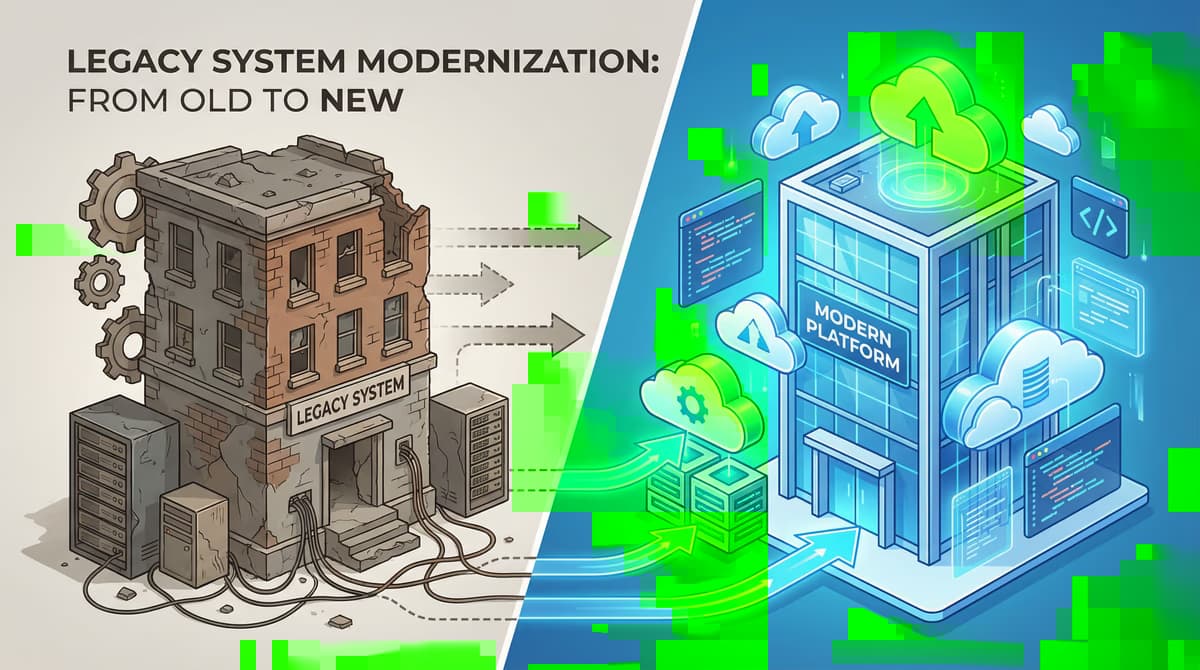
The decision to replace a **old software** is an inevitable step in the digital transformation for many companies. Outdated systems, often referred to as legacy systems...
> Key Takeaway: Parallel operation (running old and new systems simultaneously) reduces migration risks but incurs additional costs for dual infrastructure and increased training effort. Recommended duration is 2–8 weeks — long enough for validation, short enough to limit costs and complexity.
The decision to replace a old software is an inevitable step in the digital transformation for many companies. Outdated systems, often referred to as legacy systems, can become a brake pad for innovation and growth. But how to make the transition to a new software solution as smooth and safe as possible? A proven method is parallel operation. In this article, we highlight the advantages and disadvantages of this strategy and point out when it is the right choice for your company.
What is a parallel operation?
In the context of the software migration, parallel operation is understood as a transition phase in which the old and the new system are operated simultaneously. Instead of an abrupt change in which the old system is switched off on a puncture day and the new system is switched live (known as the "Big Bang" approach), parallel operation enables a smoother transition. Users work with both systems during this time, and the results are continuously compared to ensure the functionality and reliability of the new application.
The advantages of parallel operation
The decision for parallel operation brings with it a number of advantages, which come to bear in particular in business-critical applications.
Minimated risk: The biggest advantage of parallel operation is risk mitigation. Since the old system continues to act as a kind of safety net, the effects of errors or problems in the new system are significantly lower. The business is not interrupted and there is enough time to fix any child's illnesses of the new software.
Comprehensive quality assurance: The direct comparison of the work results from both systems enables complete quality assurance. Deviations and errors can be quickly identified and corrected. This process ensures that the new system has at least the same, if not even a higher accuracy and reliability than the old system.
Running optimization options: During the parallel phase valuable insights about the performance and user-friendliness of the new system can be gained. Feedback from users can flow directly into the optimization process to better adapt the software to the specific requirements of the company.
Step training of employees: The introduction of a new software always means a changeover for employees. Parallel operation allows users to become familiar with the new functions and workflows gradually and in a less stressful environment. The old system is still available as a reference, which clearly flattens the learning curve
About the author

Managing Director & Founder
For over 15 years Björn Groenewold has been developing software solutions for the mid-market. As founder of Groenewold IT Solutions he has successfully supported more than 250 projects – from legacy modernisation to AI integration.
Read more
Related articles
These posts might also interest you.
Onshore vs. Offshore: 3 reasons why local development provides better ROI
The hourly rate is only half the truth. We show why onshore development in…
Crowdfunding for software projects: A promising alternative?
In the dynamic world of software development, securing financing is often one…
Software migration: Why user training is the key to success
Introducing new software is a crucial step for companies. A software migration…
Free download
Checklist: 10 questions before software development
Key points before you start: budget, timeline, and requirements.
Get the checklist in a consultationRelevant next steps
Related services & solutions
Based on this article's topic, these pages are often the most useful next steps.