
The **Altsystem migration** is a necessary step for many companies to remain competitive and not lose the connection technologically. Outdated systems are often expensive in...
“Digitalization is not an IT project—it is a business strategy.”
– Björn Groenewold, Managing Director, Groenewold IT Solutions
The Altsystem migration is a necessary step for many companies to remain competitive and not lose the connection technologically. Outdated systems are often expensive in maintenance, uncertain and can slow down the digital transformation of a company. But the transition to a new IT infrastructure is complex and has numerous risks.
Careful planning, comprehensive risk management and thought-out fallback strategies are crucial for the success of such a project. In this post we highlight the most common dangers and show how to make your old system migration safe and efficient.
The mosquitoes of the old system migration: 7 common risks
Short: A migration of old systems is far more than just a technical upgrade.
A migration of old systems is far more than just a technical upgrade. It concerns processes, data and not least the employees of a company. Without predictive planning, unforeseen problems can occur that are sensitive to business operations.
Based on experiences from numerous migration projects, seven central risks have emerged which must be taken into account.
1. Written and outdated data
Over the years, large amounts of data are collected in old systems. Not all of these data are still relevant or in a consistent format. If outdated or faulty data are taken into the new system without testing, this can lead to considerable process disorders and data silos.
For example, old form numbers or customer addresses that are no longer valid can impair the functionality of the new system.
2. Vulnerabilities in the old system
Old systems often have known or undiscovered vulnerabilities. If these weaknesses are not identified and closed during migration, they can be transferred to the new system. This represents a significant security risk and can endanger the integrity and confidentiality of your business data.
3. Operating interruptions (Downtime)
Complete system migration can rarely be carried out overnight or on a weekend.
Particularly in complex IT landscapes, staggered migrations are necessary.
If various departments work in the transition phase with different systems, this can lead to communication problems and process interruptions that are sensitive to business operations.
4. Missing or insufficient rollback strategy
Even in the best planning, unforeseen problems can occur. In this case, a detailed rollback strategy is essential. If such a plan fails, or if it is insufficient, a failed migration attempt can lead to significant data losses and long downtimes.
A well-thought-out rollback strategy allows for quick and safe ursp in emergency
References and further reading
Short: The following independent references complement the topics in this article:
The following independent references complement the topics in this article:
- Bitkom – German digital industry association
- German Federal Office for Information Security (BSI)
- European Commission – Digital strategy
- MDN Web Docs (Mozilla)
- W3C – World Wide Web Consortium
> "APIs are the backbone of modern systems; stabilise contracts early or pay twice in integration work later." > > — Björn Groenewold, Managing Director, Groenewold IT Solutions
<!-- v87-geo-append -->
About the author

Managing Director of Groenewold IT Solutions GmbH and Hyperspace GmbH
For over 15 years Björn Groenewold has been developing software solutions for the mid-market. He is Managing Director of Groenewold IT Solutions GmbH and Hyperspace GmbH. As founder of Groenewold IT Solutions he has successfully supported more than 250 projects – from legacy modernisation to AI integration.
Blog recommendations
Related articles
These posts might also interest you.
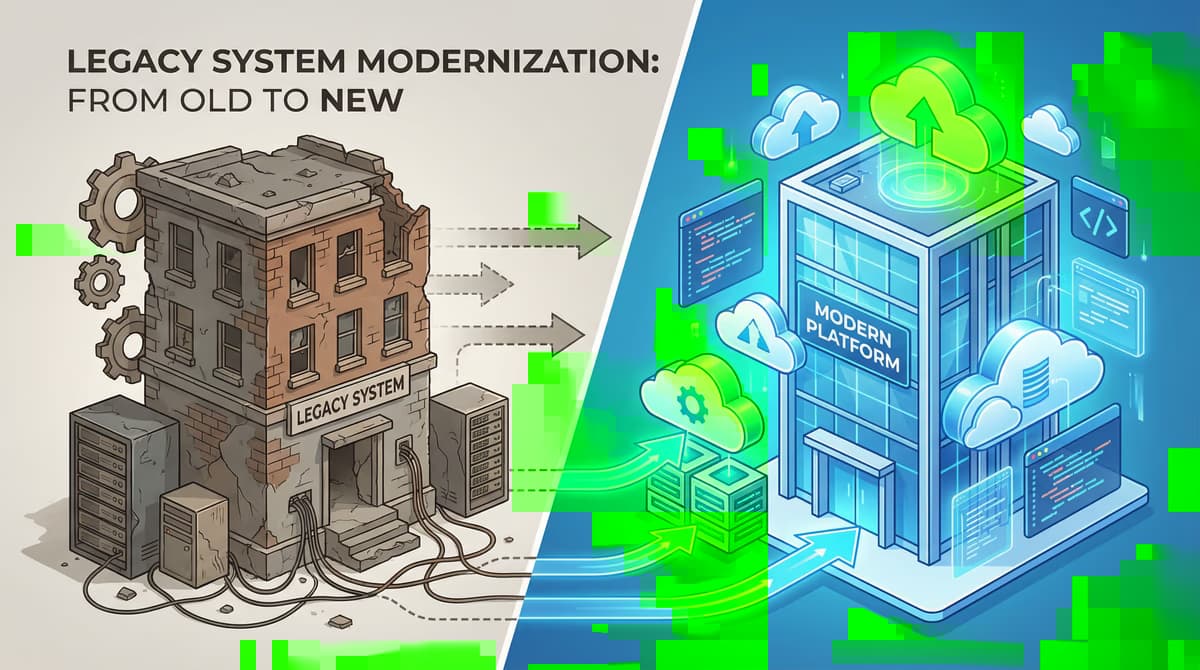
Stepwise migration: The Strangler-FIG-Pattern for the modernization of old systems
In today's fast-paced digital landscape, many companies face the challenge of modernizing outdated IT systems. These so-called old systems are often the backbone of the...
Software migration: Ensure data integrity
The migration of software and related data is a critical process that is essential for modernising IT systems. Whether it's about replacing outdated applications...
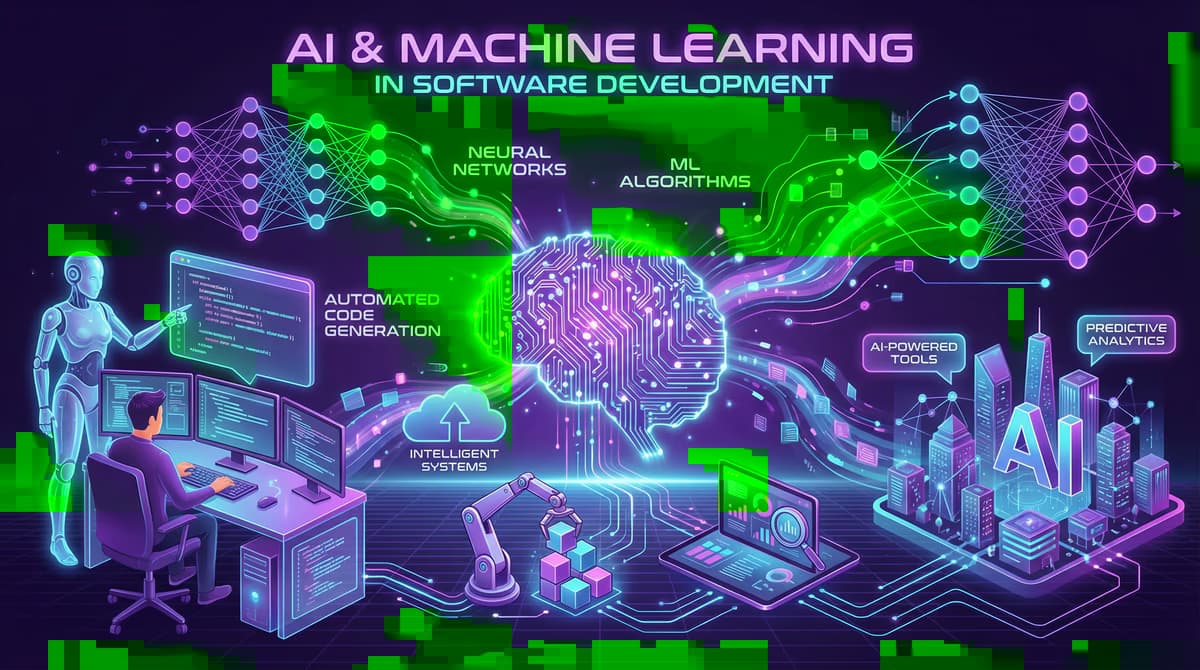
ChatGPT and Data Protection: This enables GDPR-compliant use in the company
Artificial intelligence, especially in the form of advanced language models such as ChatGPT, revolutionizes the way companies work. From the automation of customer service ...
Free download
Checklist: 10 questions before software development
Key points before you start: budget, timeline, and requirements.
Get the checklist in a consultationRelevant next steps
Related services & solutions
Based on this article's topic, these pages are often the most useful next steps.
Related solutions
Related comparison
Cost calculators
More on Software development and next steps
This article is in the Software development topic. In our blog overview you will find all articles; under category Software development more posts on this subject.
For topics like Software development we offer matching services – from app development and AI integration to legacy modernisation and maintenance. We describe typical use cases under solutions. Our cost calculators give initial estimates. Key terms are in the IT glossary, and in-depth content under topics.
If you have questions about this article or want a non-binding discussion about your project, you can book a consultation or reach us via contact. We usually respond within one working day.