
Introducing new software is a crucial step for companies. A software migration is much more than just a technical project – learn why user training is the key to success.
“Digitalization is not an IT project—it is a business strategy.”
– Björn Groenewold, Managing Director, Groenewold IT Solutions
> Key Takeaway: The most common reason for failed software migrations is not the technology but insufficient end-user training.
Three hurdles dominate: fear of change, productivity loss during the transition phase, and resistance to new workflows.
Early, role-based training with hands-on exercises on the actual system is the key to acceptance.
The introduction of new software is a decisive step for companies to remain competitive and optimize processes. But a software migration is far more than just a technical project. The biggest challenge is often to take employees along this path and to inspire them for the new applications.
This is where user training is crucial. It is the key to making a real success for the entire company from a technical changeover.
♪ The typical hurdles in a software migration
Any change entails uncertainties. In the case of a software migration, there are three obstacles to overcome:
Resistance to changes
People are habit animals.
Years of recorded processes and familiar user interfaces provide security.
A new software breaks through this routine and forces users to adjust their working methods.
This resistance is a natural reaction that often results from the fear of the unknown and the feared loss of productivity.
Fear of Unknown and Productivity Loss
Short: The concern not to cope with the new software is widespread.
The concern not to cope with the new software is widespread. Employees fear that their tasks can no longer be done as efficiently as usual or even make mistakes. This fear can lead to a negative attitude and complicate the acceptance of the new solution from the outset.
Technical barriers and lack of intuitive usability
Short: Not every new software is self-explanatory at first glance.
Not every new software is self-explanatory at first glance. Complex functions and an unclear surface can quickly lead to frustration. If users feel that the new software makes their work more complicated than simpler, the probability is high that they reject them.
Tailored training concepts as a solution
Short: To effectively meet these obstacles, tailor-made training concepts are essential.
To effectively meet these obstacles, tailor-made training concepts are essential. A pouring can principle, in which all employees receive the same training, is not a target here. Instead, training should be tailored to the specific needs of different user groups.
Analysis of needs: Who needs what training?
Short: The first step is an accurate analysis of the target groups.
The first step is an accurate analysis of the target groups. Which departments are affected by the Software migration? What different roles and knowledge are there? A power user from the IT department needs a different training than an occasional user from sales.
The following table shows how such target group-specific training planning can look:
| Target group | Previous knowledge | Training needs | Training needs
References and further reading
Short: The following independent references complement the topics in this article:
The following independent references complement the topics in this article:
- Bitkom – German digital industry association
- German Federal Office for Information Security (BSI)
- European Commission – Digital strategy
- MDN Web Docs (Mozilla)
- W3C – World Wide Web Consortium
<!-- v87-geo-append -->
About the author

Managing Director of Groenewold IT Solutions GmbH and Hyperspace GmbH
For over 15 years Björn Groenewold has been developing software solutions for the mid-market. He is Managing Director of Groenewold IT Solutions GmbH and Hyperspace GmbH. As founder of Groenewold IT Solutions he has successfully supported more than 250 projects – from legacy modernisation to AI integration.
Blog recommendations
Related articles
These posts might also interest you.
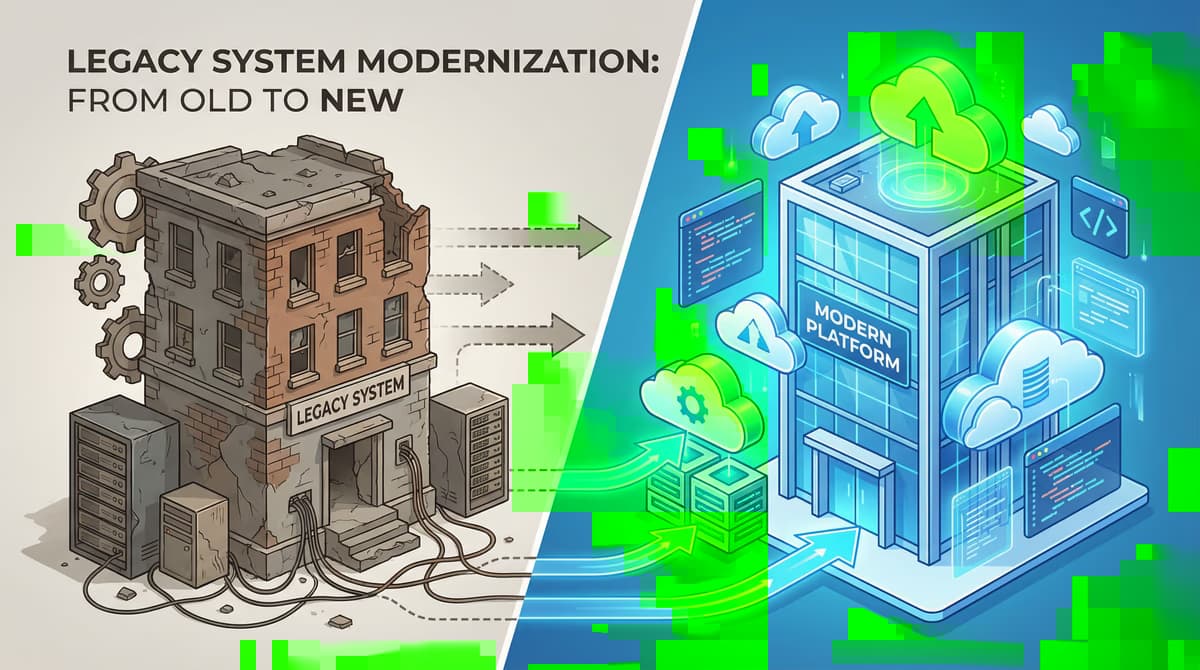
Altsystem migration: risk management and fallback strategies for a smooth transition
The Altsystem migration is a necessary step for many companies to remain competitive and not lose the connection technologically. Outdated systems are often expensive in...
Stepwise migration: The Strangler-FIG-Pattern for the modernization of old systems
In today's fast-paced digital landscape, many companies face the challenge of modernizing outdated IT systems. These so-called old systems are often the backbone of the...
Software migration: Ensure data integrity
The migration of software and related data is a critical process that is essential for modernising IT systems. Whether it's about replacing outdated applications...
Free download
Checklist: 10 questions before software development
Key points before you start: budget, timeline, and requirements.
Get the checklist in a consultationRelevant next steps
Related services & solutions
Based on this article's topic, these pages are often the most useful next steps.
Related solutions
Related comparison
More on Software development and next steps
This article is in the Software development topic. In our blog overview you will find all articles; under category Software development more posts on this subject.
For topics like Software development we offer matching services – from app development and AI integration to legacy modernisation and maintenance. We describe typical use cases under solutions. Our cost calculators give initial estimates. Key terms are in the IT glossary, and in-depth content under topics.
If you have questions about this article or want a non-binding discussion about your project, you can book a consultation or reach us via contact. We usually respond within one working day.